Pivot Back Office
The business, away from the register.
Menus, people, and reports in one place.
Back Office is where an owner or manager works on the menu, staff access, gift cards, and reports. Your local Pivot team does the first setup with you, including who can sign in and what they can change.
- Menu editing and publishing
- Reports across sales, items, payments, and staff
- Role-based permissions and PIN setup
- Gift card activity next to the rest of the business
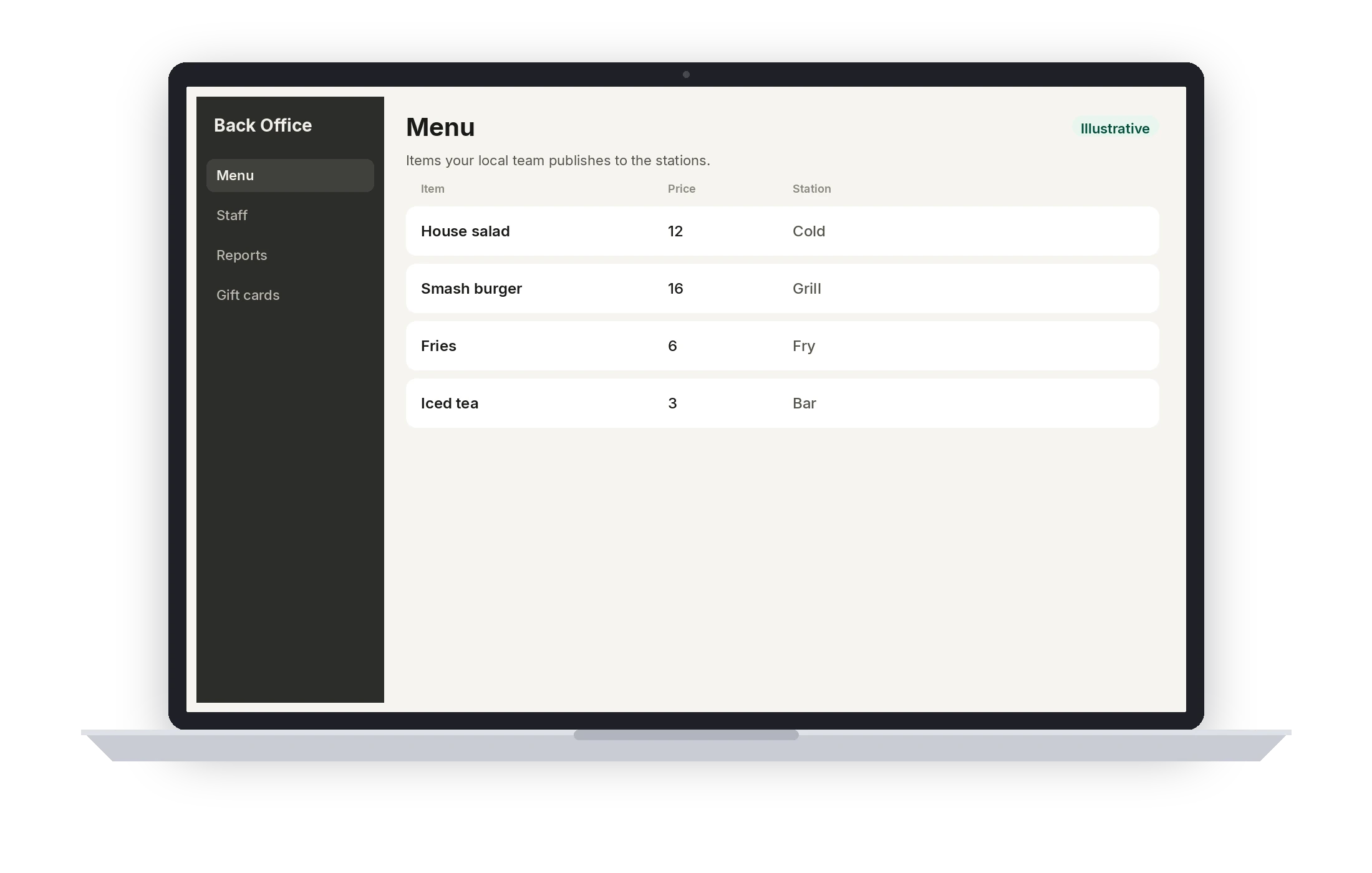
Illustrative · A sample menu in Back Office.
On this product
What your staff actually uses
Your local Pivot team builds the menu and the configuration, then walks the staff through it.
A dashboard for the day
A view of sales and orders for the restaurant, so the owner is not reconstructing the shift from the register.
Reports
Reports across sales, items, payments, and staff. Your local team will show you which reports match how you run the books.
Menu publishing
Edit items, modifiers, and prices in Back Office, then publish them to the stations.
Staff and permissions
An employee list, PINs, and role-based permissions. Your local team configures who can void, comp, or change the menu.
Voids, refunds, and the trail
Review sales, refunds, and voids. Voids and comps keep an audit trail.
Gift cards and loyalty
Gift card activity is in Back Office. Loyalty tools are there too. Saving guest profiles on the ordering link is still coming soon.
Coming soon
- Spreadsheet (CSV) menu import
In service
Change the menu once
Make the change
Update an item, a price, or a staff role in Back Office.
Send it to the stations
Publish to the POS, handheld, kitchen display, and online ordering link.
Confirm it with your team
Your local team can confirm the stations picked up the menu before the next service.
Connected platform
The other half of the register
Back Office and the POS share the menu, the staff list, and the orders. Reports read that same activity.
- One menu published to the stations
- Orders from the POS, handheld, and online link in the same reports
- Role-based permissions configured with your local team
- An audit trail on voids and comps
See Back Office on your restaurant.
Book a demo and a local Pivot team will walk the menu, the permissions, and the reports.