Pivot POS
The counter, ready for a rush.
Ring it, send it, and close it without a scavenger hunt.
Pivot POS is the register for the counter. Your local Pivot team builds the menu, sets up the station, and trains the people who will use it on a busy service.
- Quick service, full service, bars, and cafés
- Split checks and tabs
- Card-present payments through Dejavoo
- Menu and stations set up by your local team
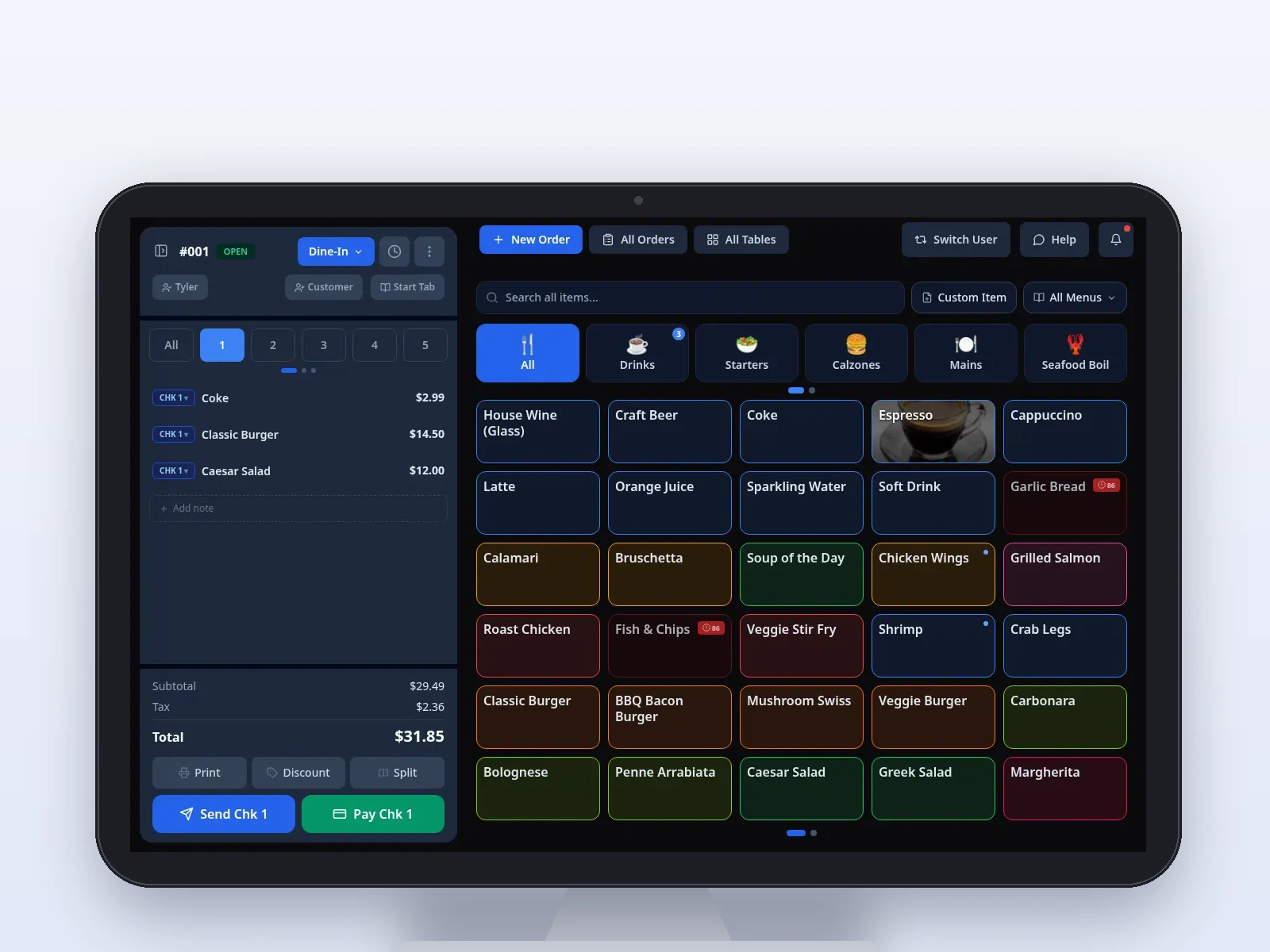
Sample screen · Pivot POS on the counter.
On the POS
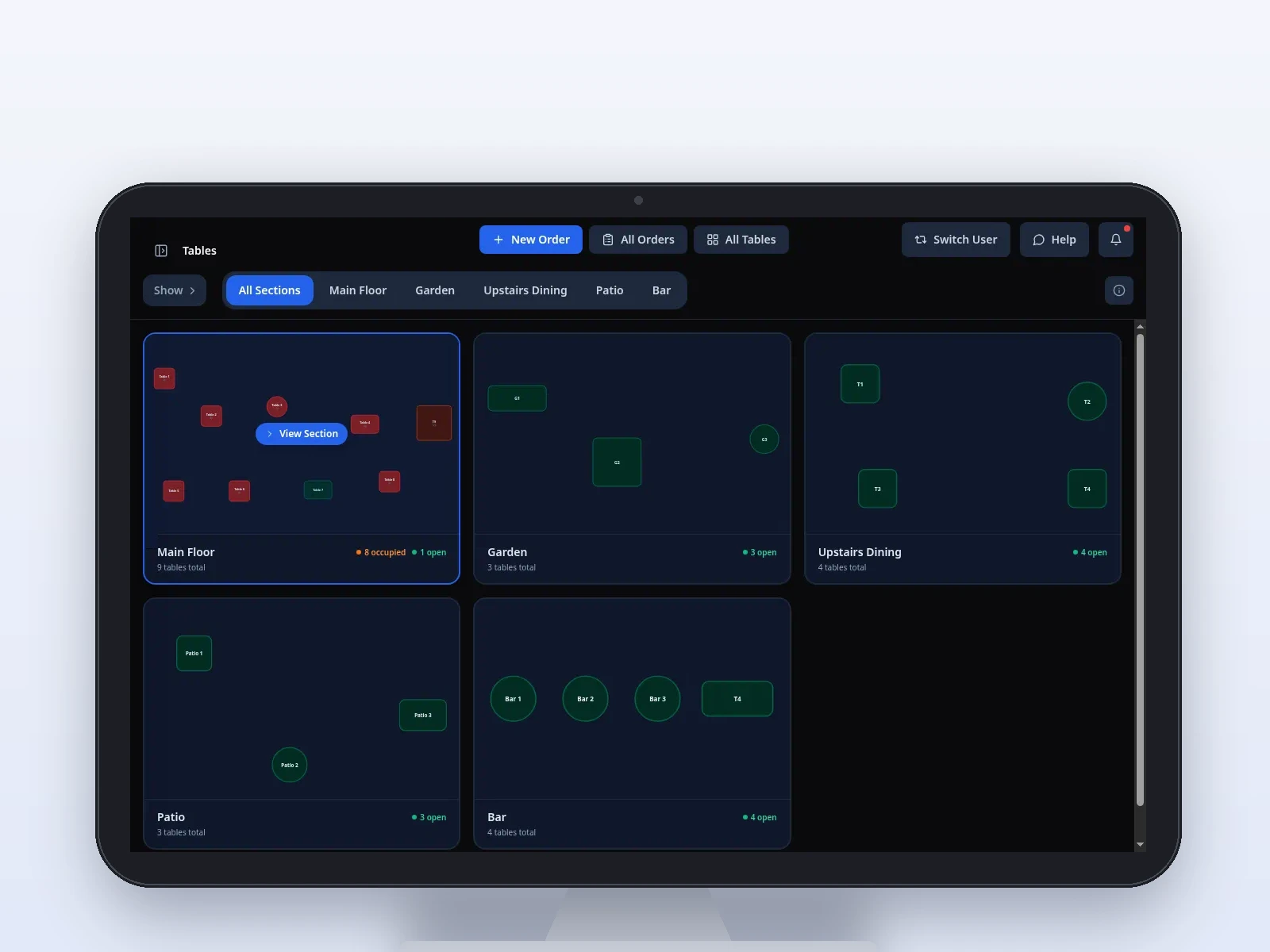
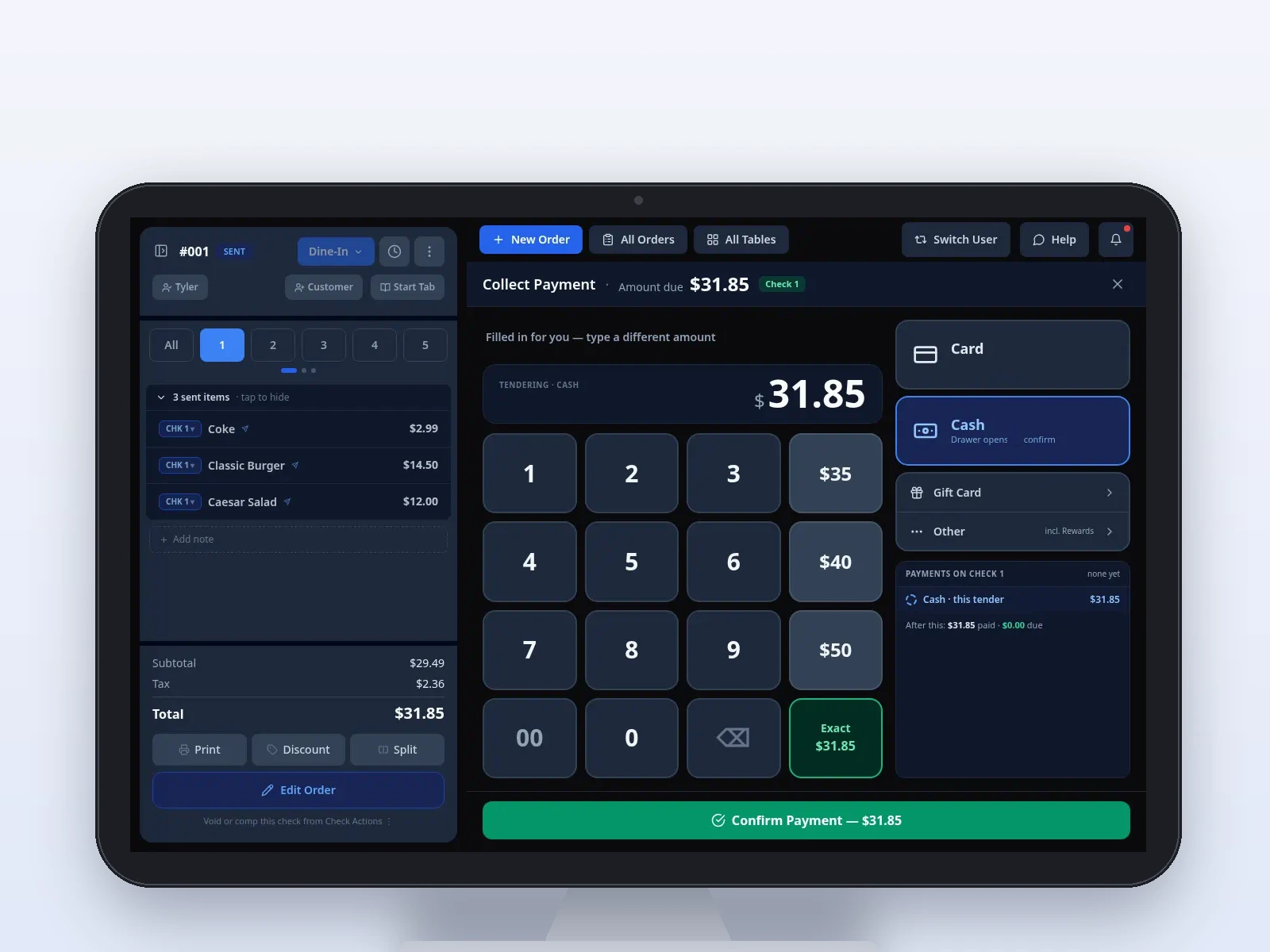
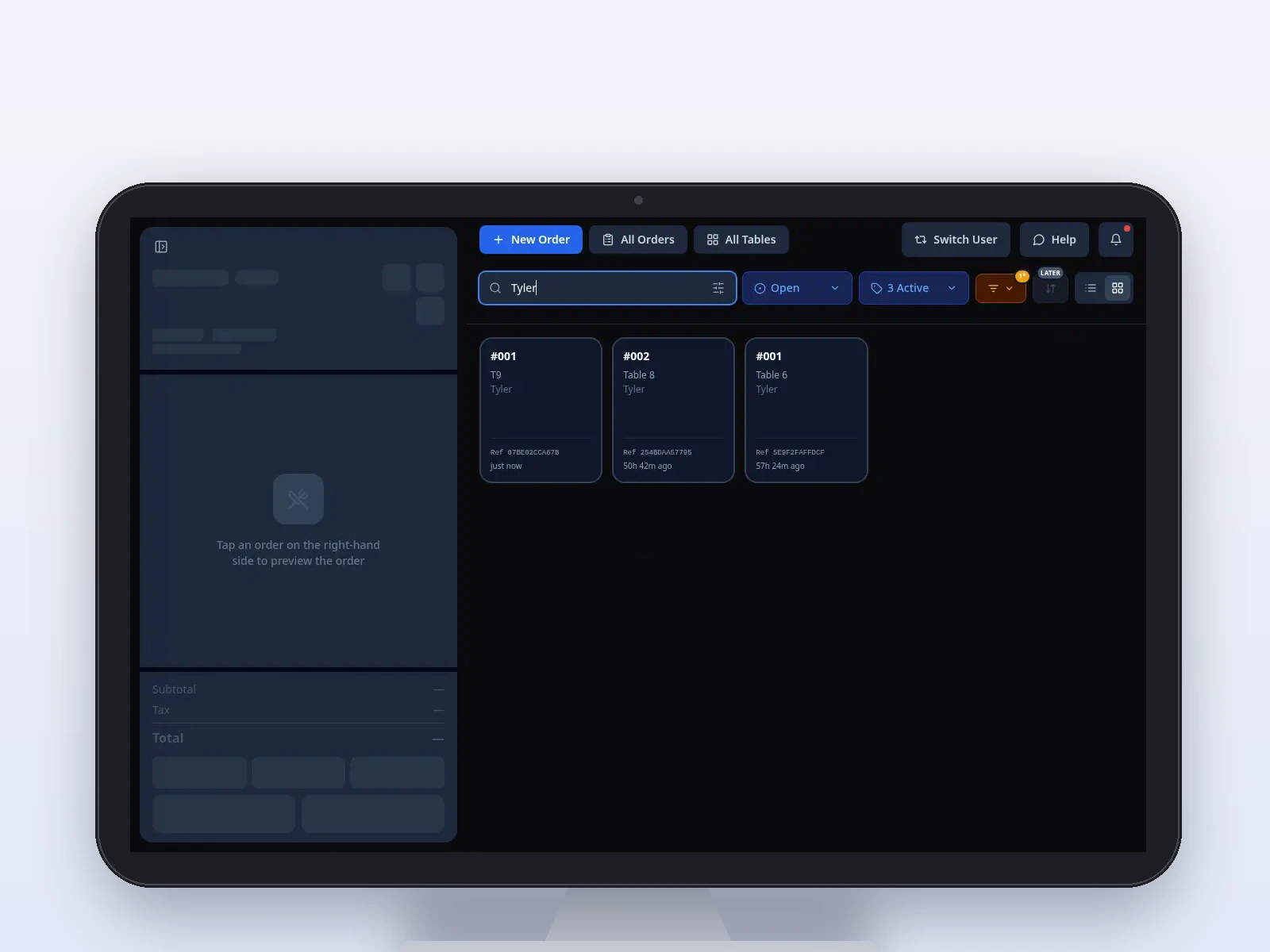
Order, floor, and close.
The same register, through a service. Your local team builds the menu on it.
On this product
What your staff actually uses
Your local Pivot team builds the menu and the configuration, then walks the staff through it.
Fast order entry
Categories, search, and modifiers laid out so a rush does not turn into a hunt through extra screens.
Split checks and tabs
Split a check or keep a tab open. Your local team shows the floor how your restaurant wants to use it.
Kitchen routing
Your local team configures which items go to which station. Courses can be sent when the table is ready.
Card-present payments
Integrated card-present payments through Dejavoo, tied to the station your local team sets up.
Cash drawer
Cash drawer tracking and end-of-day counts, so the drawer is part of the close instead of a separate notebook.
Voids and comps
Voids and comps can require a reason. Those actions keep an audit trail.
Gift cards
Sell, reload, and redeem gift cards at the register. Activity is visible in Back Office.
PINs and roles
Staff sign in with a PIN. Role-based permissions are configured with your local team.
Waitlist and reservations
Waitlist and reservations are in the POS, next to service, rather than in a separate tool the staff have to learn.
In service
From the first tap to the close
Build the order
Tap through the menu your team built. Modifiers and check splits stay on the order.
Send it to the kitchen
Items go to the stations your local team configured, grouped so the line can read the course.
Close the check
Card-present through Dejavoo, cash with drawer tracking, or a gift card.
Connected platform
The register is one part of the platform
The POS shares the menu and the orders with the handheld, the kitchen display, online ordering, and Back Office.
- Menu updates are published from Back Office
- Orders are shared with the kitchen display and the handheld
- Gift cards and staff PINs live with the rest of the platform
- Voids and comps keep an audit trail
See the POS on your menu.
Book a demo and a local Pivot team will walk the counter for your service model.