Pivot Handheld
Order at the table on a Dejavoo P8.
The server handheld. Not the owner app.
Pivot Handheld runs on the Dejavoo P8. Servers take the order on the floor and send it to the kitchen. Pivot Pocket is a different product — that one is for the owner. Your local team configures the P8 with the station.
- Runs on the Dejavoo P8
- Separate from Pivot Pocket
- Send the order to the kitchen from the table
- Set up by your local Pivot team
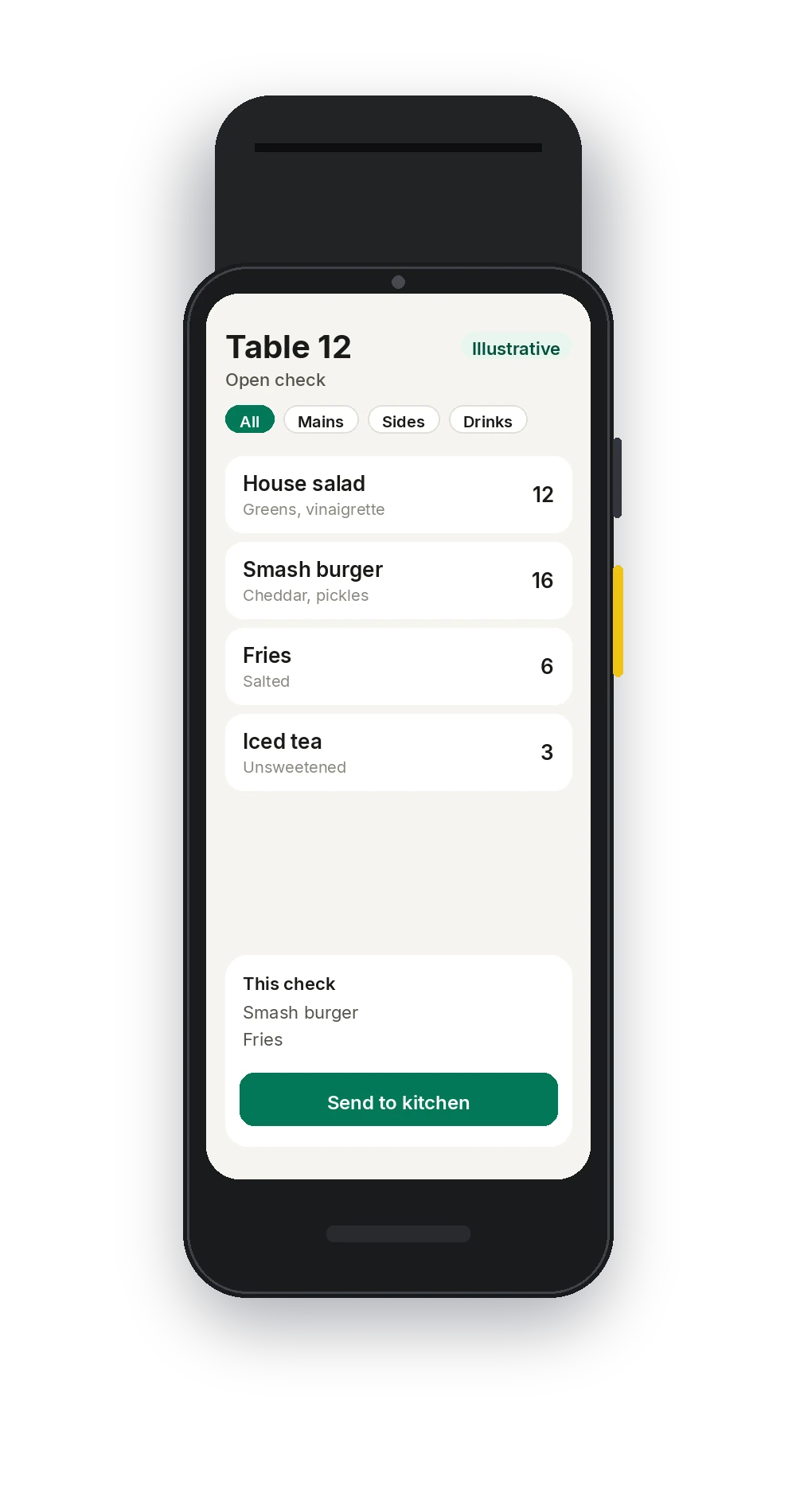
Illustrative · Dejavoo P8. The order on the screen is a sample.
On this product
What your staff actually uses
Your local Pivot team builds the menu and the configuration, then walks the staff through it.
A view of the floor
See which tables are seated, so the floor is not tracking turns on a paper chart.
Tableside ordering
The menu and modifiers from the POS, on the device in the server's hand.
Send to the kitchen
Fire the order from the floor to the stations your local team configured.
Card-present payments
Card-present payments run through Dejavoo. Your local team confirms the reader setup before the floor depends on it.
Waitlist and reservations
Waitlist and reservations are on the handheld along with the POS.
The same PIN
Staff sign in with a PIN. Role-based permissions match the register, including voids and comps.
In service
A table, without the walk back
Start at the table
Open the table on the Dejavoo P8 and take the order where the guest is sitting.
Fire from the floor
Send items to the kitchen stations your team set up, then move to the next table.
Finish the check
Close from the handheld once payment is taken. Card-present payment is through Dejavoo.
Connected platform
The same order on every screen
An order started on the handheld is the same order on the POS and the kitchen display.
- Handheld and POS work from the same order
- Sent items show on the kitchen display
- Table status is shared with the floor
- The check is the one Back Office reports on
See the handheld on your floor.
Book a demo and a local Pivot team will walk a Dejavoo P8 against your menu.