Cafe & bakery
The modifier is the order.
A cafe slows down when size and milk are a note in the margin, pickup is a second list, and gift cards live in a drawer. Pivot keeps the modifier, the ticket, and the card on one menu.
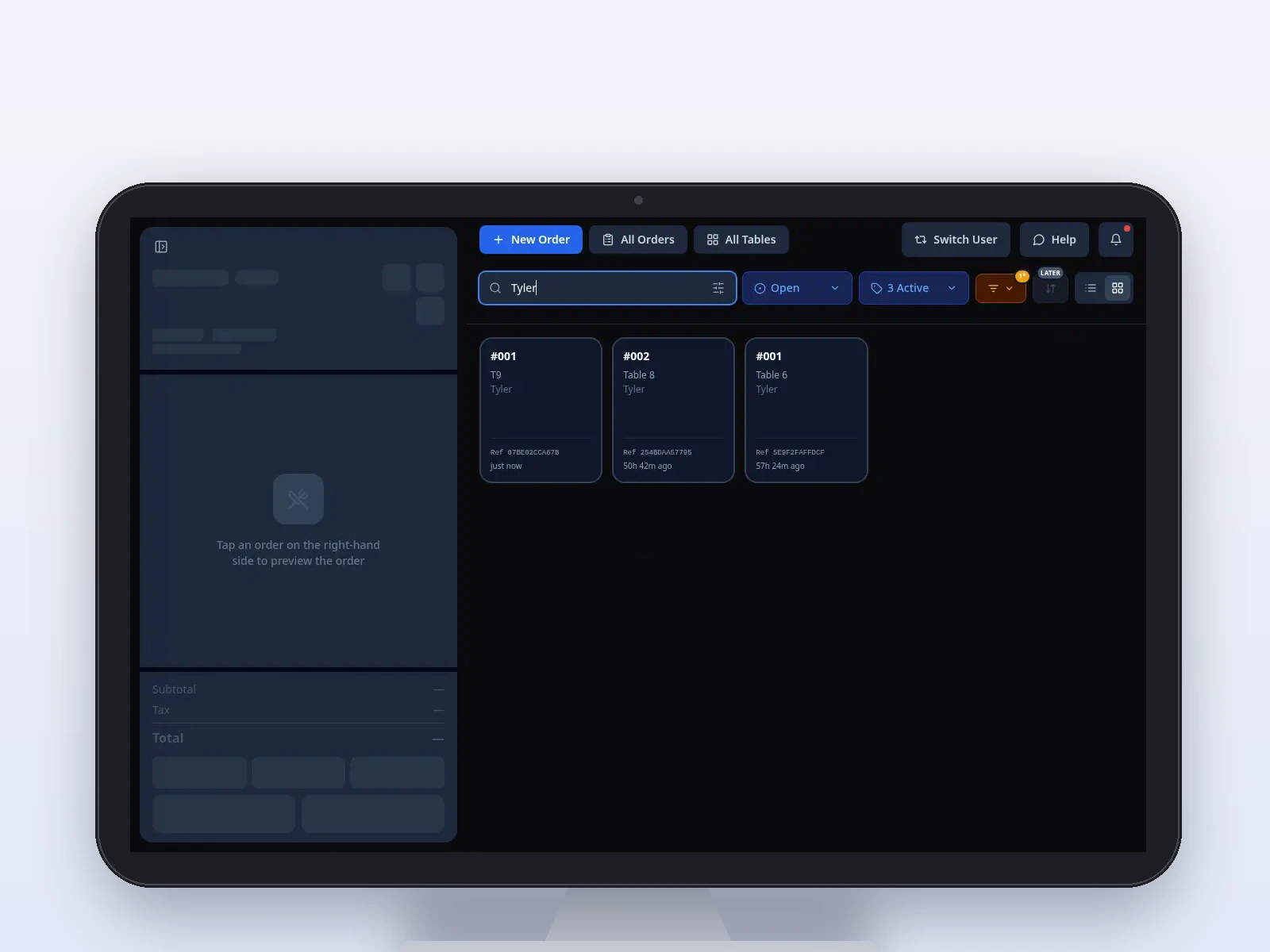
Sample screen · Names and prices on screen are sample data.
Challenges we solve
A local Pivot team sets the menu, the stations, and who can sign in. The software is easier because that setup is done with you, not handed over as a blank register.
The pinch
Every drink is a custom order.
How Pivot helps
Modifiers carry the size, the milk, and the add-ons your team enters, priced the way the register prices them. Staff are not retyping a recipe on every check.
The pinch
Pickup orders live in a notebook.
How Pivot helps
A branded link takes ASAP and scheduled pickup. The ticket is sent to the POS and the kitchen or prep screen. Online card payments on the link are coming soon.
The pinch
Gift cards are a side binder.
How Pivot helps
Sell, reload, and redeem at the register. Activity sits with the other reports in Back Office. Buying or reloading a card with an online card payment is coming soon.
The pinch
A closer can change prices because everyone shares a login.
How Pivot helps
PINs and roles decide who can change the menu, void, or comp. The menu itself is edited in Back Office and published to the counter and the link.
Counter, prep, and pickup
Cafe and bakery service is a short interaction with a lot of modifiers. The local team builds that menu so the morning rush is taps, not guesswork.
Modifiers on the item.
The POS shows categories, search, and modifiers so a rush does not turn into a hunt. Card-present pay is through Dejavoo at the counter, with cash drawer tracking at close.
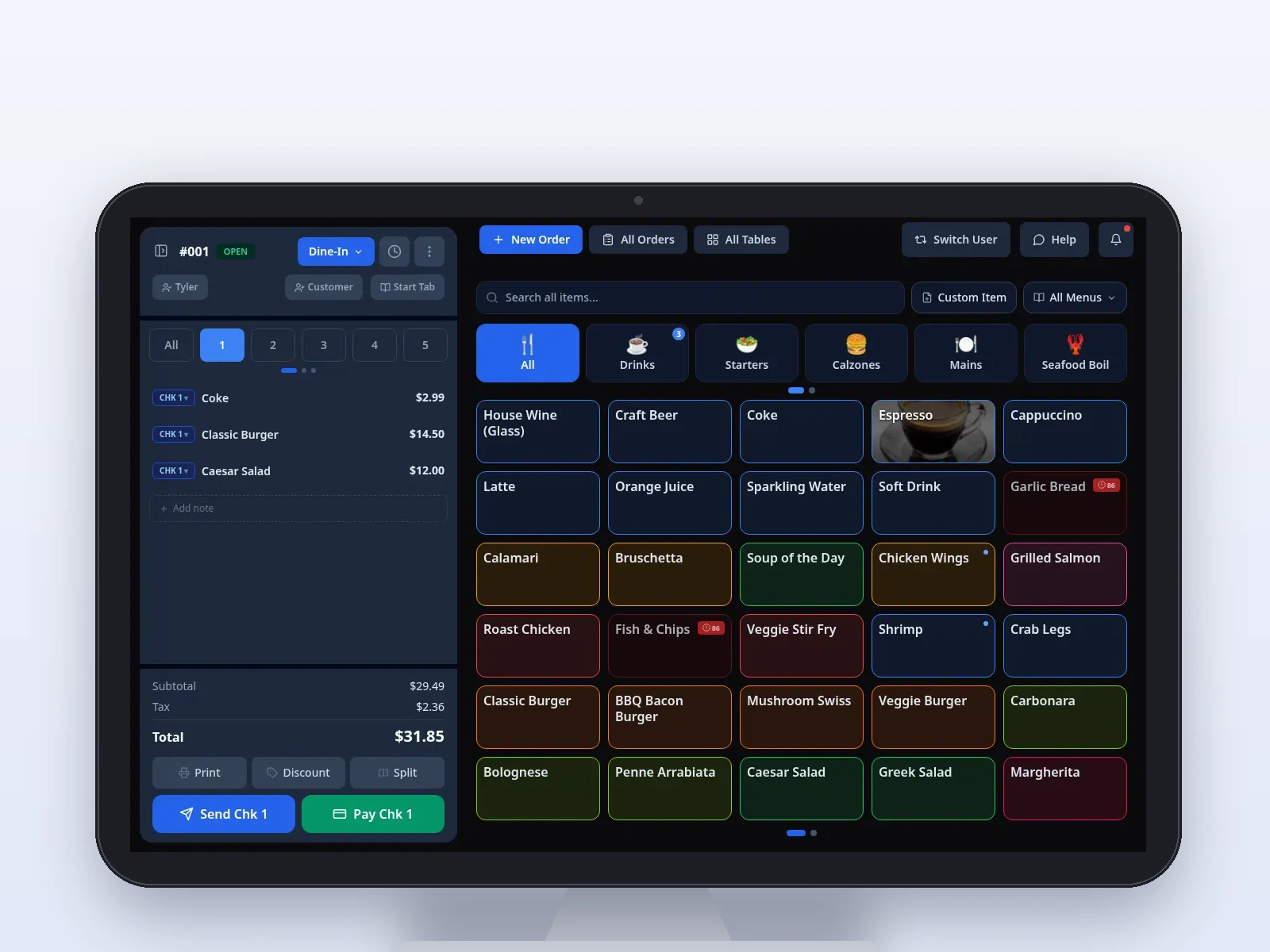
Sample screen · Names and prices on screen are sample data.
Prep tickets with a timer.
Orders route to the station your team configures. Color timers default to 1 minute and 2 minutes, so a drink that has been sitting is visible. The line bumps the ticket when it goes out.
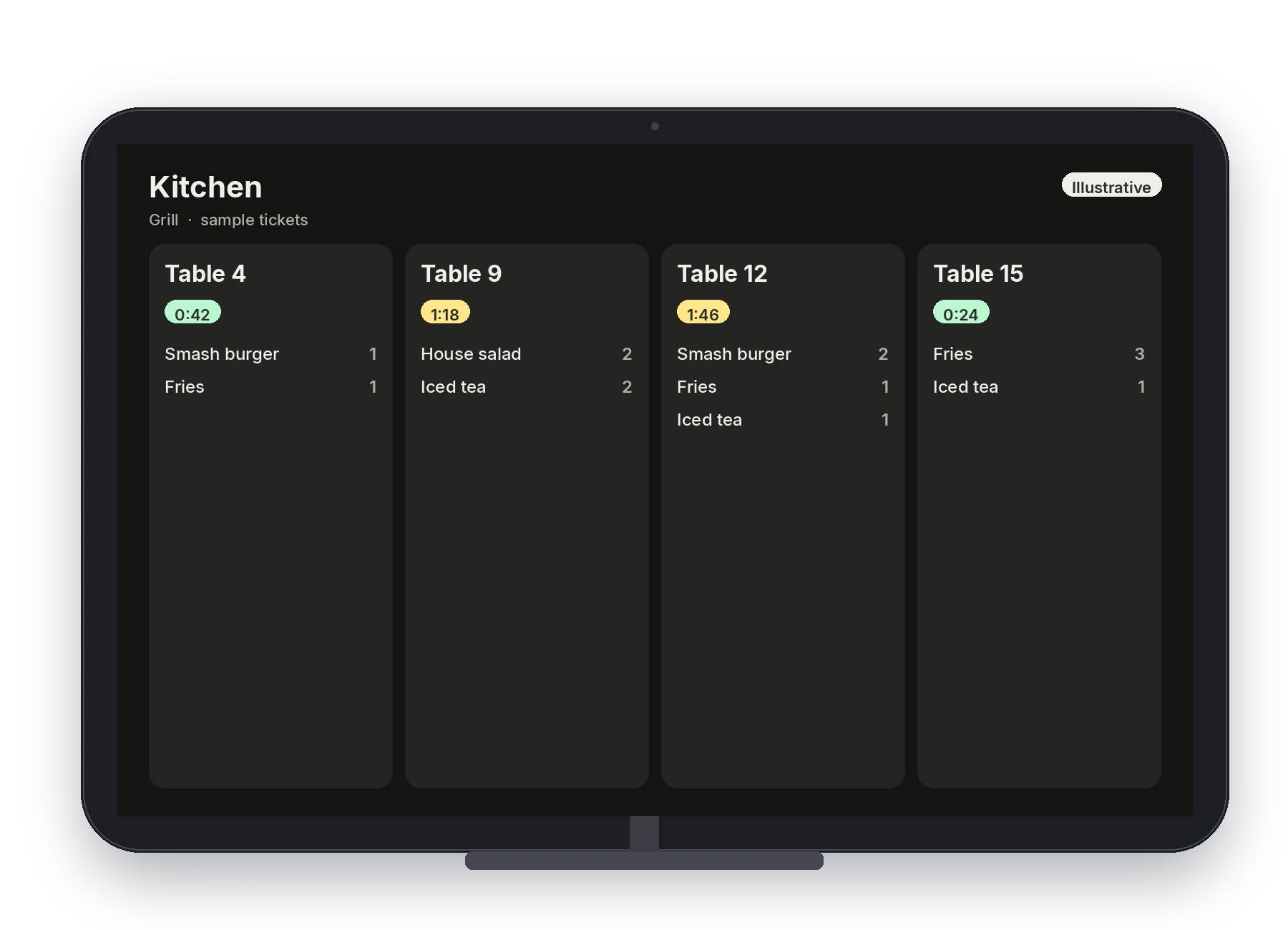
Illustrative · Sample kitchen board.
A link for the regulars.
Guests browse the menu published from Back Office and pick ASAP or a scheduled pickup. The same modifiers are on the link. Online card payments, and saved profiles for reorder, are coming soon.
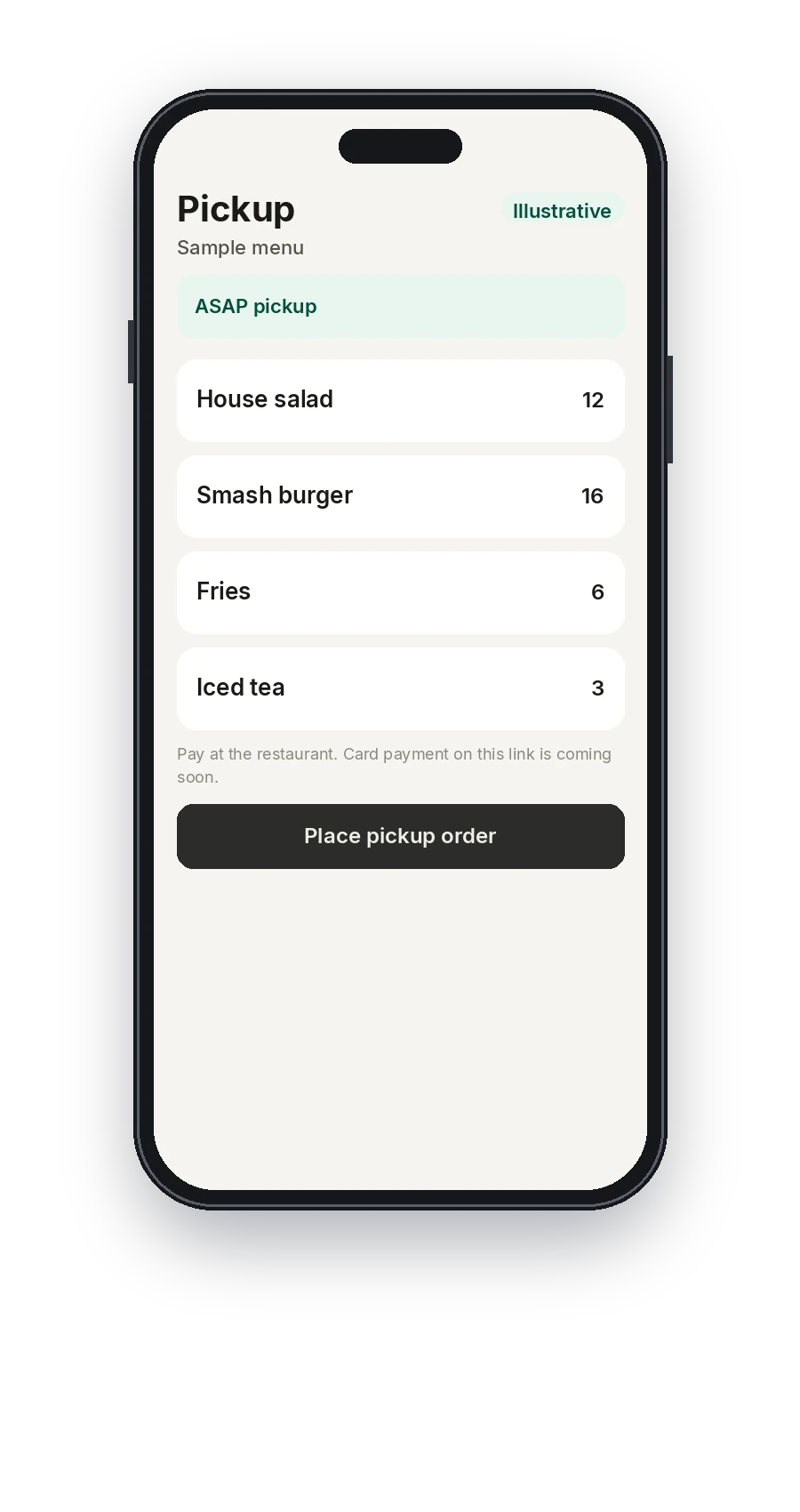
Illustrative · Sample pickup menu. Card payment on the link is coming soon.
Gift cards at the counter.
Sell, reload, and redeem on the POS. Gift cards are also part of online ordering. Paying for a gift card with an online card is coming soon. The card drawing is illustrative, not a balance.
Illustrative · Not a balance.
Publish once.
Change an item or a price in Back Office and publish it to the counter, the prep screen, and the link. Reports cover sales, items, payments, and staff. Pivot Pocket is the owner’s shorter view, separate from the counter.
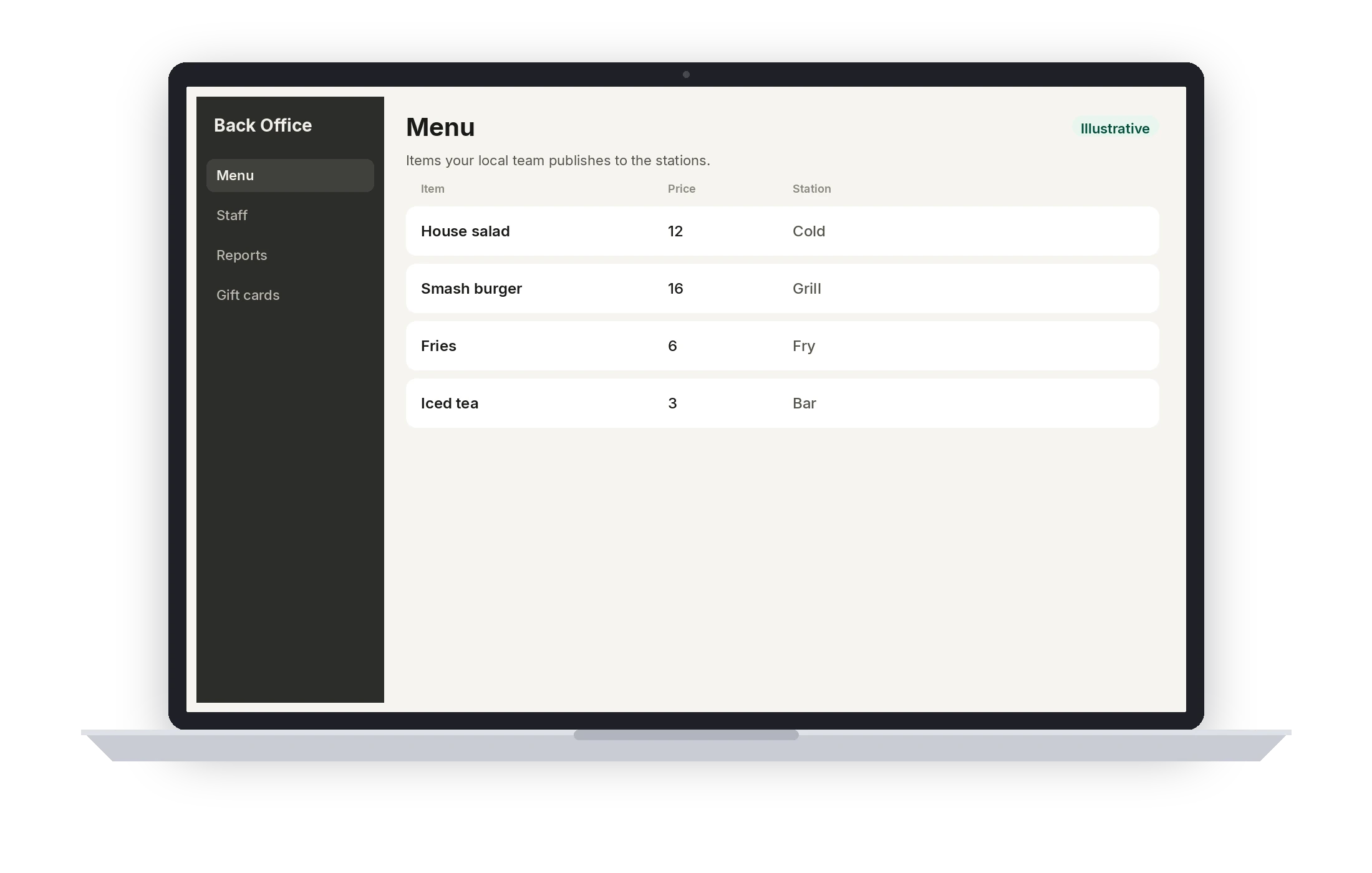
Illustrative · Sample menu.
A typical setup
This is the usual shape for cafe & bakery. It is not a quote and not a hardware count. Your local team confirms the stations, the routing, and who can sign in before the first service.
- 01
Counter POS
The register, with modifiers built for the menu you actually sell.
- 02
Prep screen
A kitchen display for drinks or the bake station, routed by your team.
- 03
Printer and drawer
Receipts and cash drawer tracking at close.
- 04
Dejavoo at the counter
Card-present payments on the station.
- 05
Pickup link
Branded online ordering. Card payment on the link is coming soon.
- 06
Gift cards, Back Office, Pocket
Cards on the POS, the program in Back Office, and Pocket for the owner.
Coming soon
- Online card payments
- Saved customer profiles on the ordering link for reorder and loyalty
- Buying or reloading a gift card with an online card payment
Questions from this floor
Can modifiers carry a price?
Yes. Sizes, choices, and add-ons are priced the way the register prices them, on the POS and on the ordering link, because both read the menu from Back Office.
Do pickup orders hit the prep screen?
Yes. Orders from the link are sent to the POS and the kitchen display your team configured, along with counter orders.
Can guests pay on the link?
Online card payments are coming soon. Until then, your local team will tell you how a pickup order is paid. Card-present pay at the counter is through Dejavoo.
Where do gift cards show up?
Sell, reload, and redeem them on the POS. Activity is in Back Office with the other reporting. Buying or reloading with an online card payment is coming soon.
Can every closer edit prices?
Only if you give them that role. PINs and permissions are set with your local team. Voids and comps keep an audit trail.
See Pivot for cafe & bakery.
Book a demo with a local Pivot team. They will walk the stations, the permissions, and the way your floor actually serves.