Quick service
The line is the whole service.
Quick service fails when the register is slow, the kitchen loses the age of a ticket, and a new cashier can change a check without a trail. Pivot is the counter, the board, and the permissions, set up with a local team.
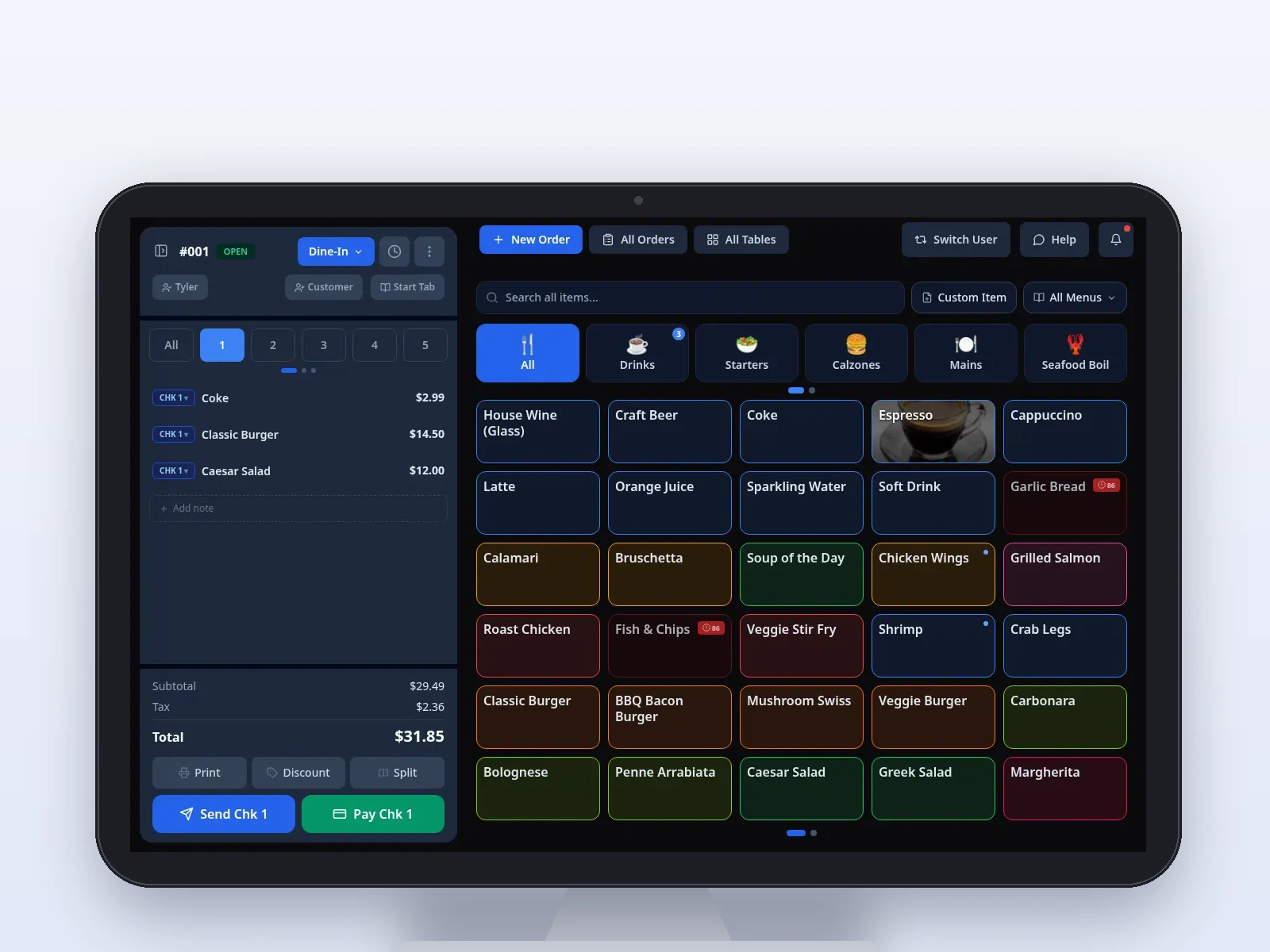
Sample screen · Names and prices on screen are sample data.
Challenges we solve
A local Pivot team sets the menu, the stations, and who can sign in. The software is easier because that setup is done with you, not handed over as a blank register.
The pinch
The register is the bottleneck.
How Pivot helps
Categories, search, and modifiers sit on the POS so a rush is not a hunt through extra screens. When the counter line stacks, a Dejavoo P8 can take the next order away from the register.
The pinch
The kitchen loses track of what is waiting.
How Pivot helps
Tickets land on the stations your local team configures. Color timers default to 1 minute and 2 minutes. The line bumps a ticket when the food leaves.
The pinch
A shared login makes voids invisible.
How Pivot helps
Staff sign in with a PIN. Role-based permissions decide who can void, comp, or change a price. Those actions keep an audit trail.
The pinch
The window menu and the online menu drift apart.
How Pivot helps
Back Office publishes one menu to the POS, the kitchen display, and the pickup link. Online card payments on that link are coming soon.
What the counter actually uses
The same products as the rest of Pivot, arranged for a line that has to keep moving. Your local team builds the menu and trains the close.
Ring it at the counter.
The POS is the window register. Modifiers stay on the item. Card-present payments run through Dejavoo, and cash drawer tracking is part of the close.
Sample screen · Names and prices on screen are sample data.
Take the next order off the line.
Pivot Handheld on a Dejavoo P8 uses the same menu as the register. A second person can take an order away from the counter so the queue keeps moving. It is not Pivot Pocket, the owner app.
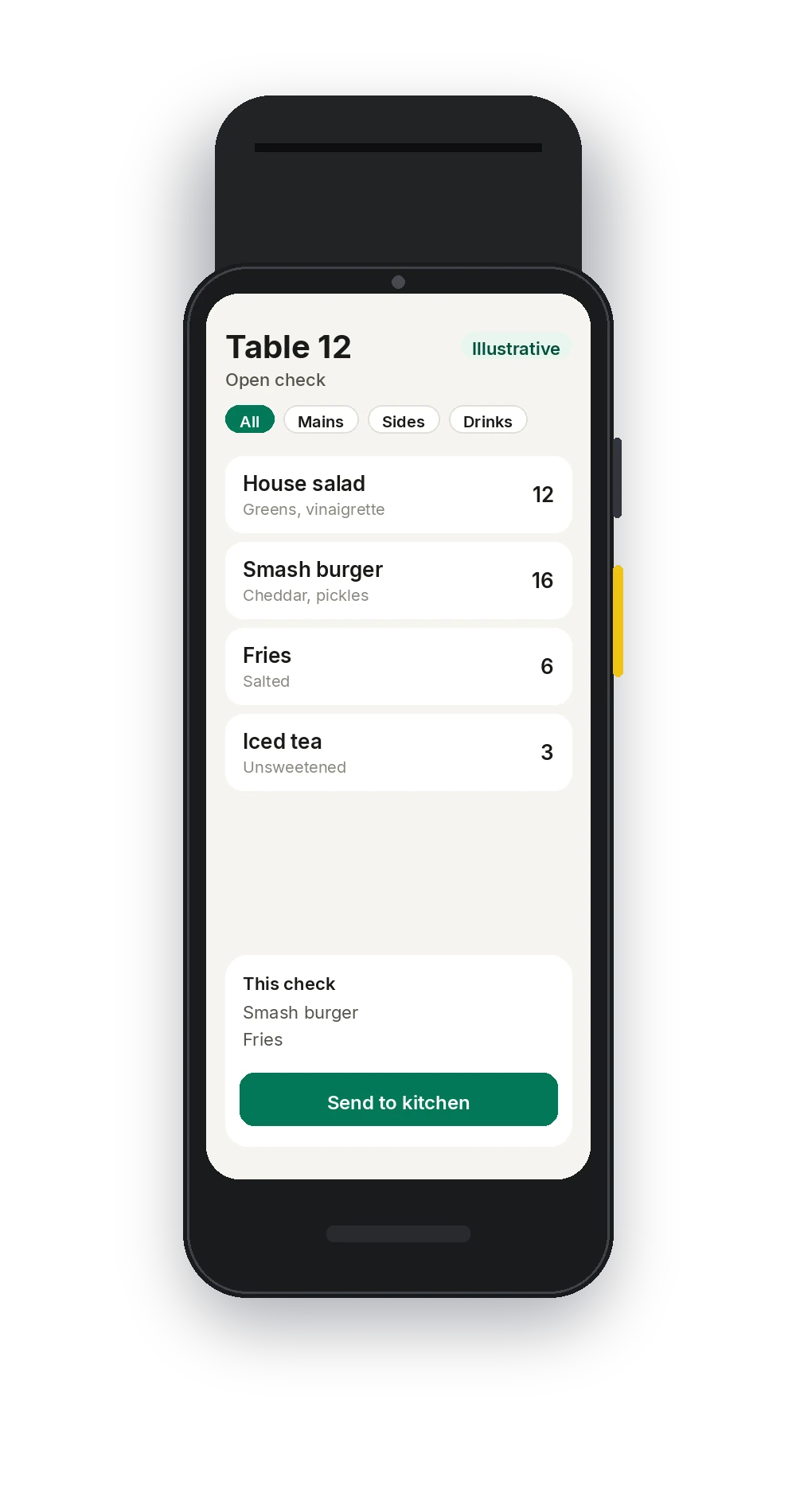
Illustrative · Sample order on the handheld.
Tickets the line can age.
Your team decides which items route to which station. Timers change color at 1 minute and 2 minutes. The pass bumps the ticket when the order goes out.
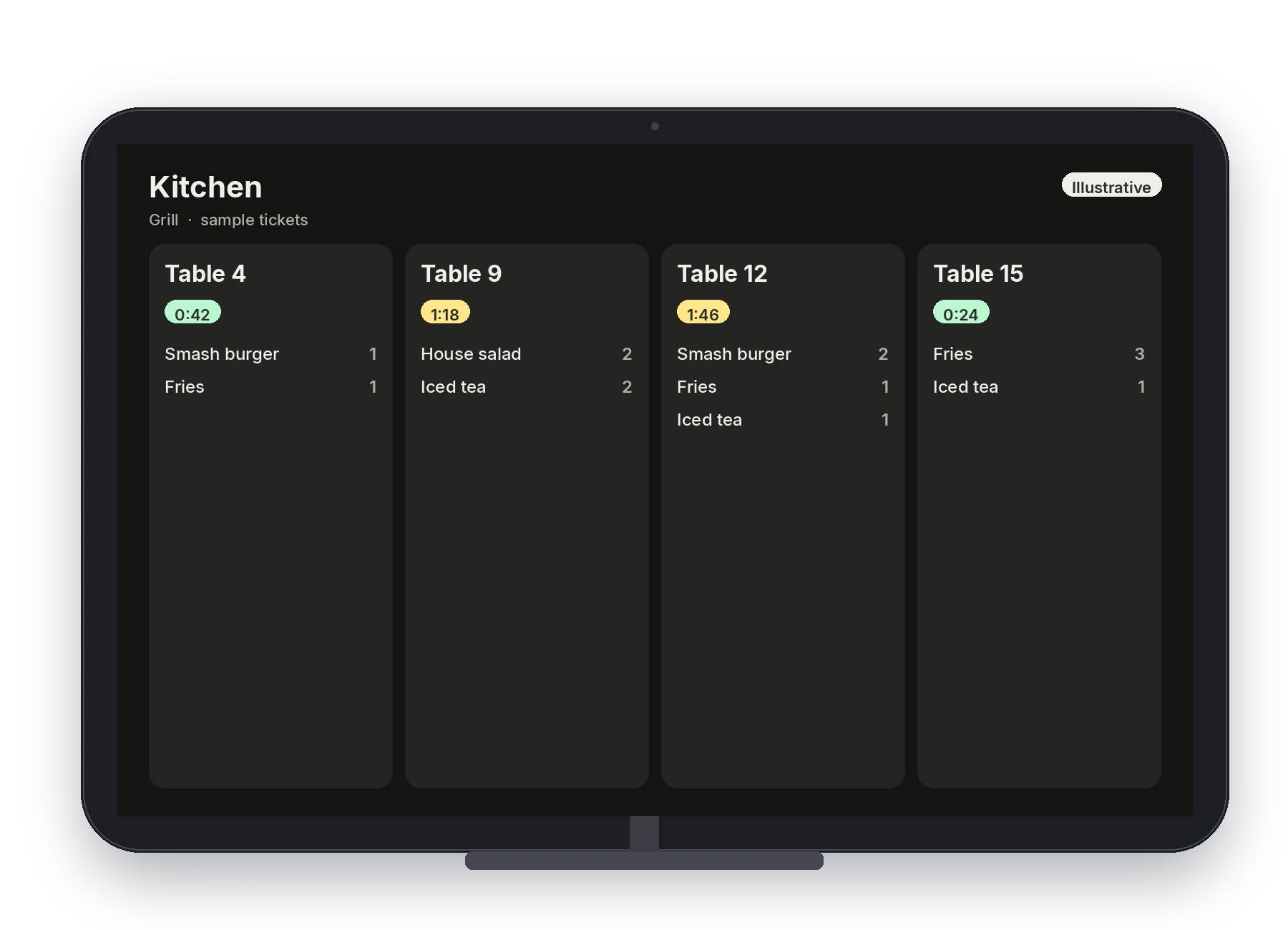
Illustrative · Sample kitchen board.
Pickup without a second menu.
Guests order from a branded link, ASAP or scheduled. The ticket is sent to the POS and the kitchen display. Online card payments are coming soon. Your team will say how guests pay today.
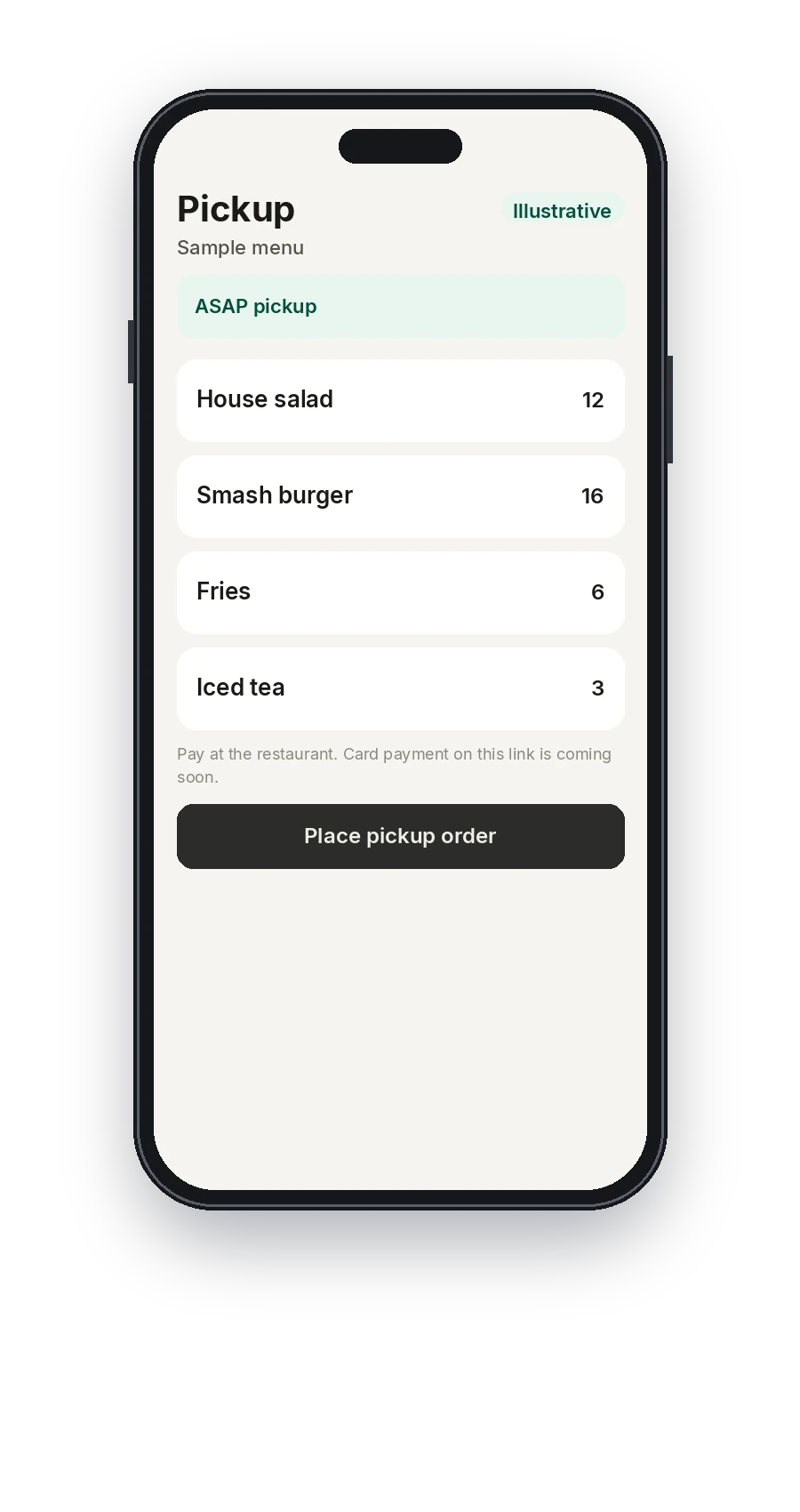
Illustrative · Sample pickup menu. Card payment on the link is coming soon.
The menu, the PINs, and the day.
Back Office is where the menu is edited and published, where PINs and roles are set, and where reports cover sales, items, payments, and staff. Gift card activity sits with those reports. Pivot Pocket is the shorter owner view, on a separate login from any handheld.
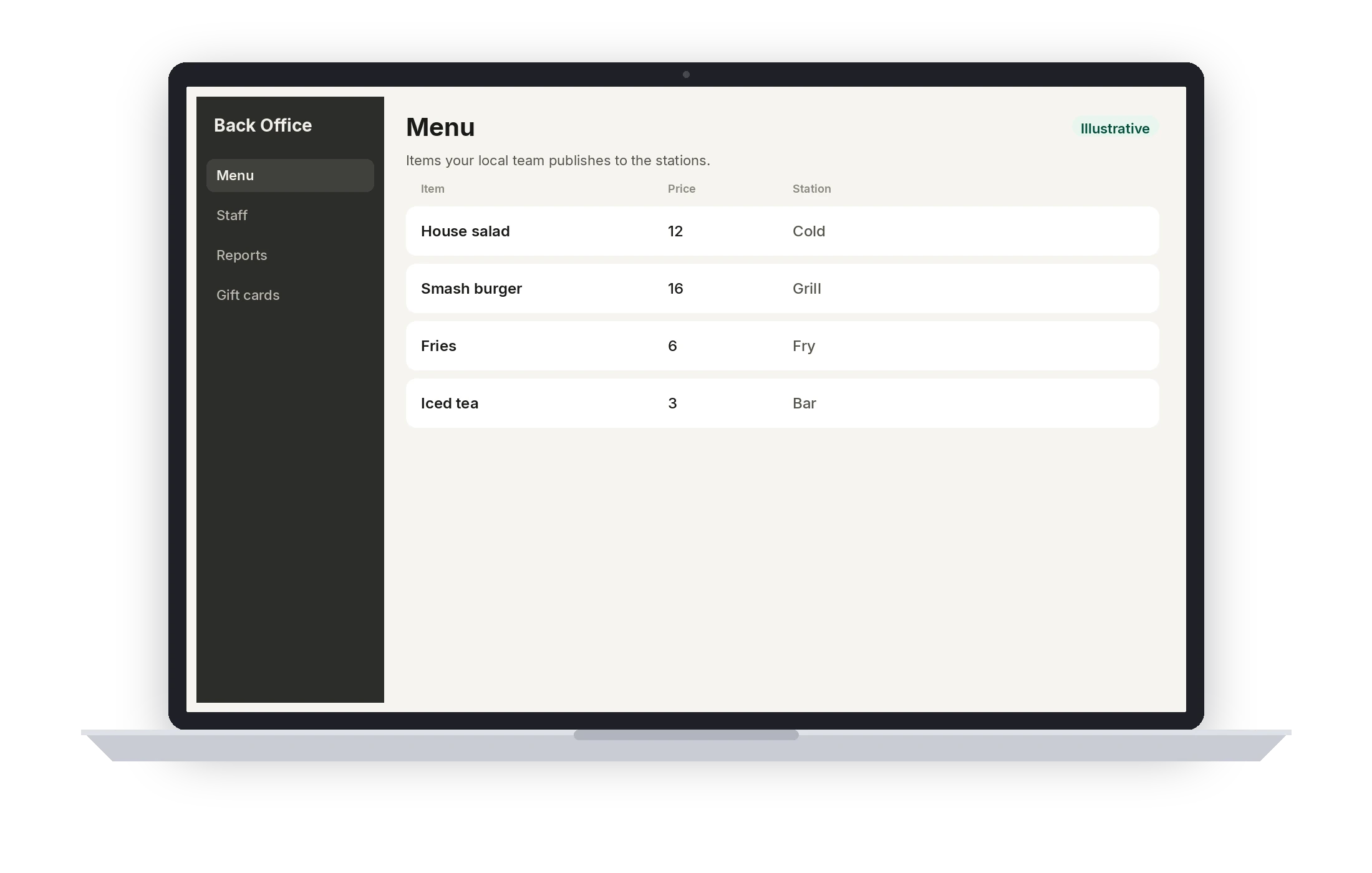
Illustrative · Sample menu.
A typical setup
This is the usual shape for quick service. It is not a quote and not a hardware count. Your local team confirms the stations, the routing, and who can sign in before the first service.
- 01
Counter POS
One register station for the window, with the menu your team built.
- 02
Kitchen display
A screen for the line, routed to the stations you actually cook on.
- 03
Printer and drawer
Receipt printing and cash drawer tracking, configured with the close.
- 04
Card-present pay
Dejavoo at the station. Your team confirms the reader before you depend on it.
- 05
Handheld, if the line needs it
A Dejavoo P8 for a second person taking orders off the register.
- 06
Pickup link and Back Office
The branded ordering link, plus Back Office for the menu, permissions, and reports. Pocket for the owner.
Coming soon
- Online card payments on the pickup link
- Buying or reloading a gift card with an online card payment
Questions from this floor
Can someone take orders away from the register?
Yes. Pivot Handheld runs on a Dejavoo P8 with the same menu as the POS, so a second person can take the next order off the line. Pivot Pocket is a different app, for the owner, and it is not that device.
How does the kitchen know a ticket is old?
Color timers on the kitchen display default to 1 minute and 2 minutes. Your local team routes items to the right station and trains the line to bump a ticket when the food leaves.
Who can void or comp?
Staff sign in with a PIN. Role-based permissions, set up with your local team, decide who can void, comp, or change a price. Voids and comps keep an audit trail.
Can guests pay by card on the ordering link?
Not yet. Online card payments are coming soon. Guests can still place a pickup order. Your local team will tell you how that order is paid today. Card-present pay at the counter is through Dejavoo.
Who builds the menu?
A local Pivot team builds items, modifiers, and prices with you, publishes them from Back Office, and trains the people who will use the counter. You are not left with an empty register and a PDF.
See Pivot for quick service.
Book a demo with a local Pivot team. They will walk the stations, the permissions, and the way your floor actually serves.