Full service
The table should not wait on a walk back.
Full service breaks when the order lives on a fixed screen, the course fires early, and the floor cannot see which checks are still open. Pivot keeps the table, the line, and the permissions on one platform.
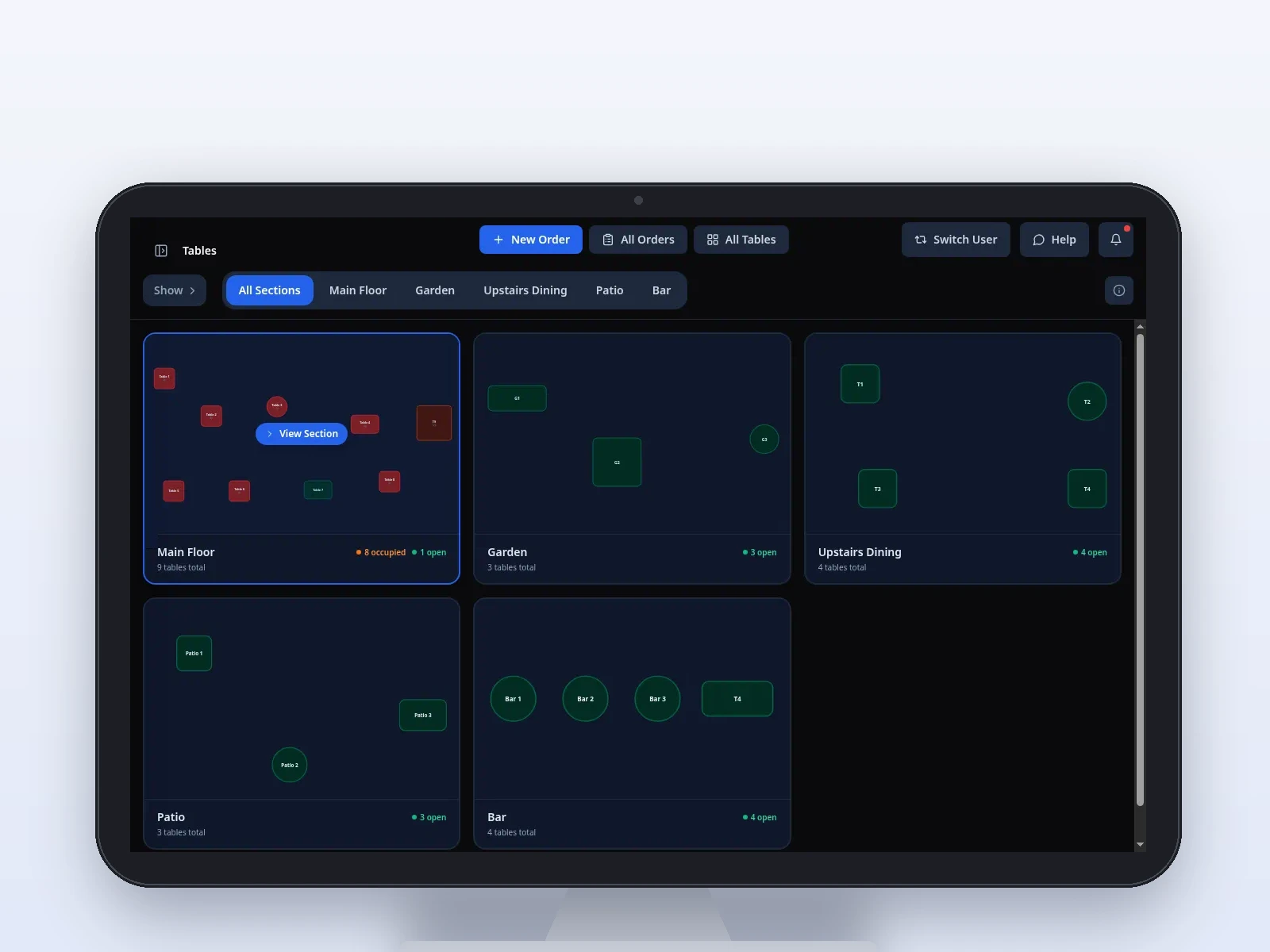
Sample screen · Names and prices on screen are sample data.
Challenges we solve
A local Pivot team sets the menu, the stations, and who can sign in. The software is easier because that setup is done with you, not handed over as a blank register.
The pinch
Servers walk the order back to a terminal.
How Pivot helps
Pivot Handheld on a Dejavoo P8 takes the order at the table and sends it to the kitchen. The menu and modifiers are the ones from the POS. Card-present pay through Dejavoo is there once your team confirms the reader. It is not the lead, and it is not Pivot Pocket.
The pinch
Open checks disappear into the room.
How Pivot helps
The POS floor map shows tables and the checks that are still open. Split checks and tabs stay on that check.
The pinch
The line fires the wrong course.
How Pivot helps
Courses can be sent when the table is ready. The kitchen display can show that course structure, with color timers at 1 minute and 2 minutes, on the stations your team configured.
The pinch
A void at the table is hard to see later.
How Pivot helps
The handheld uses the same PIN and the same roles as the register. Voids and comps can require a reason, and they keep an audit trail you can review in Back Office.
From the floor to the pass
Full service uses the floor, the handheld, and the kitchen together. Your local team configures routing and trains the room before the first seating.
See the floor.
The POS floor map is how the room stays visible: which tables are seated, which checks are open. Waitlist and reservations sit in the POS, next to service, rather than in a separate tool.
Sample screen · Names and prices on screen are sample data.
Order at the table.
Servers use a Dejavoo P8. They send the order from the floor to the stations your team set up. The owner does not share that device. Pivot Pocket is a separate login for analytics.
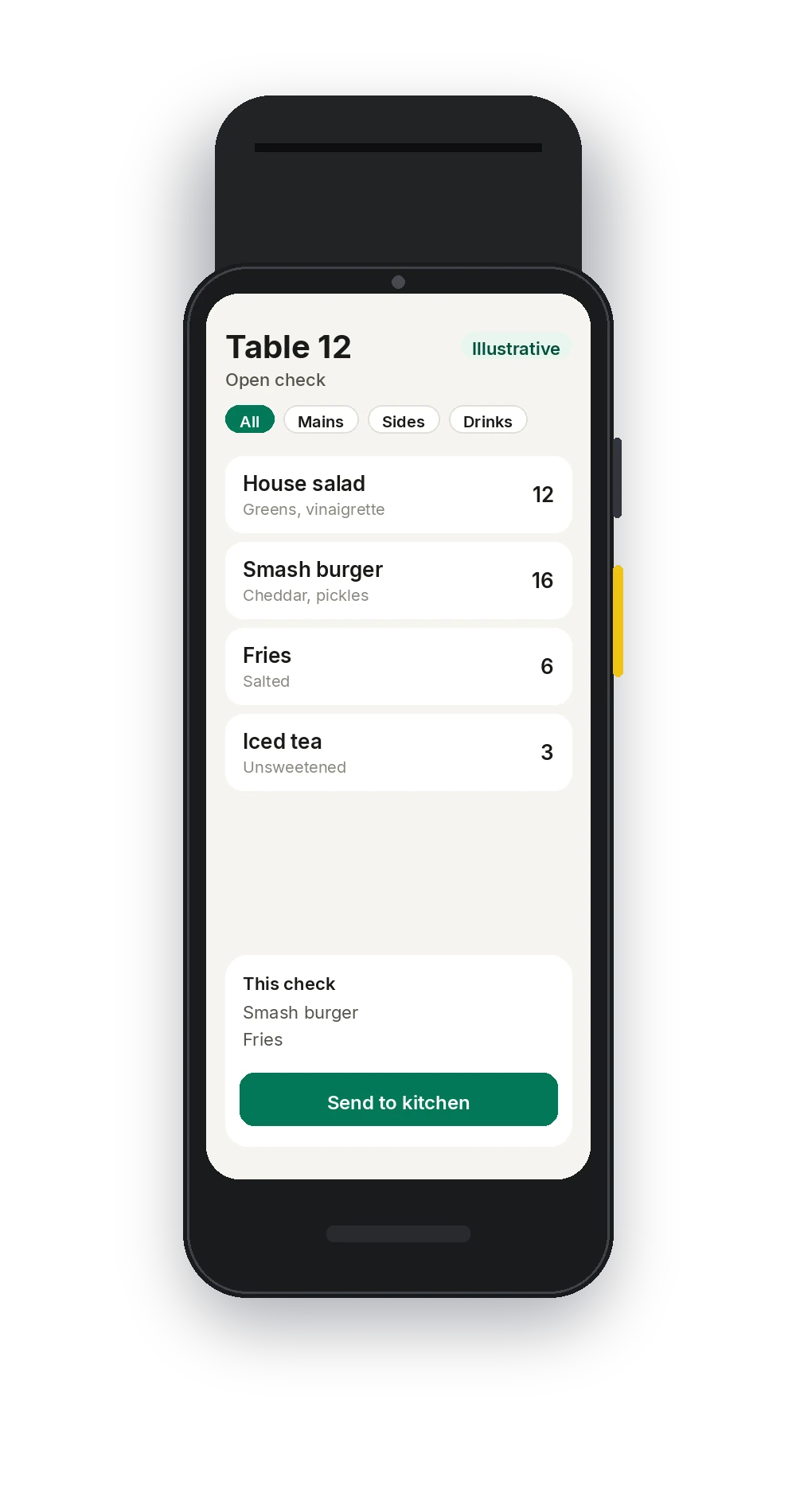
Illustrative · Sample order on the handheld.
Courses the line can read.
Tickets can show the course so the line cooks in the order the table eats. Routing is configured in setup. Timers default to 1 minute and 2 minutes, and the pass bumps a ticket when the food leaves.
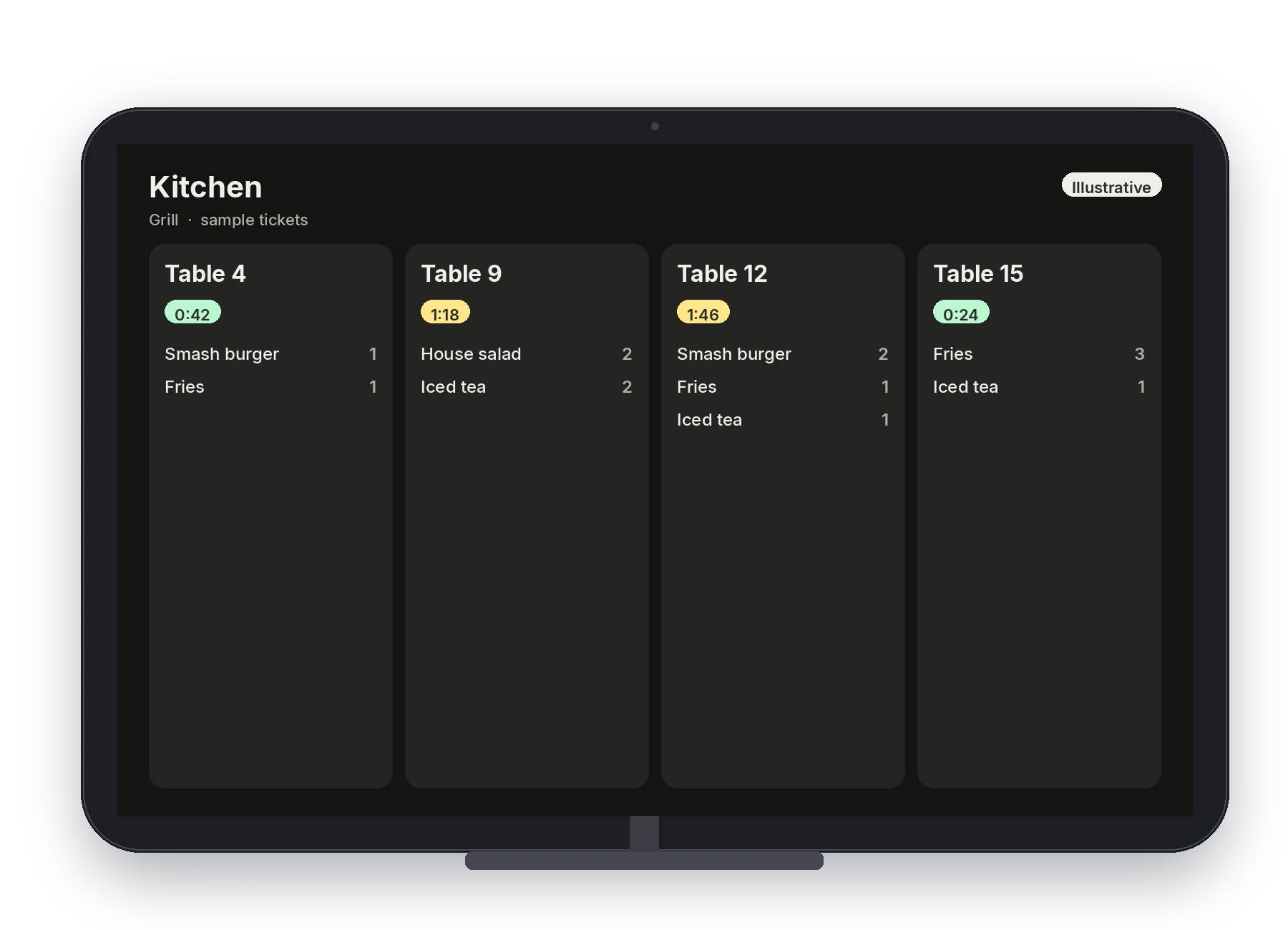
Illustrative · Sample kitchen board.
Split the check and close it.
Split a check or keep a tab open the way your floor works. Card-present payments run through Dejavoo. Gift cards can be sold, reloaded, and redeemed on the check.
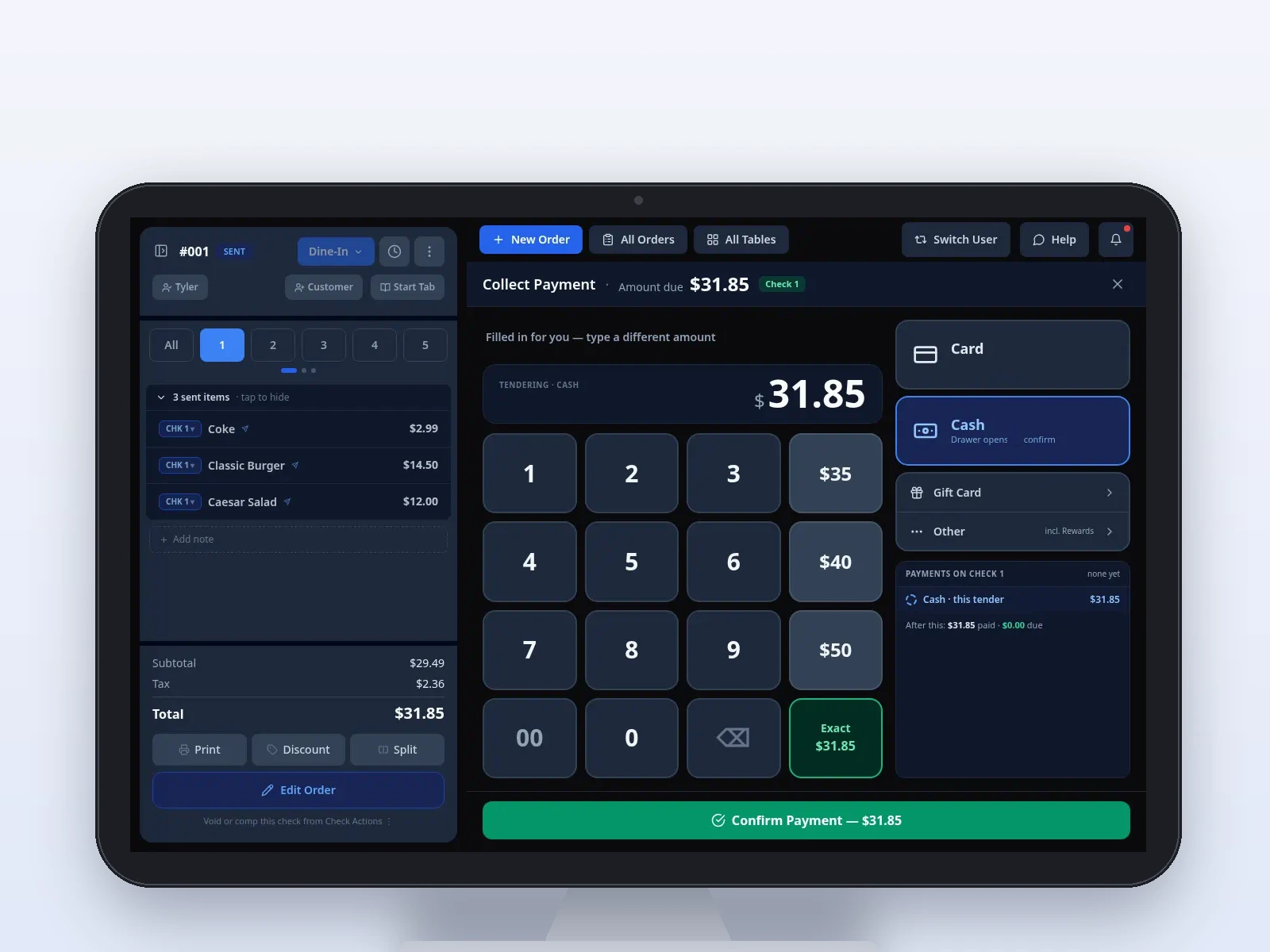
Sample screen · Names and prices on screen are sample data.
The owner, off the floor.
Pivot Pocket is a short owner view, separate from the handheld. Deeper menu edits, staff PINs, and reports across sales, items, payments, and staff stay in Back Office.
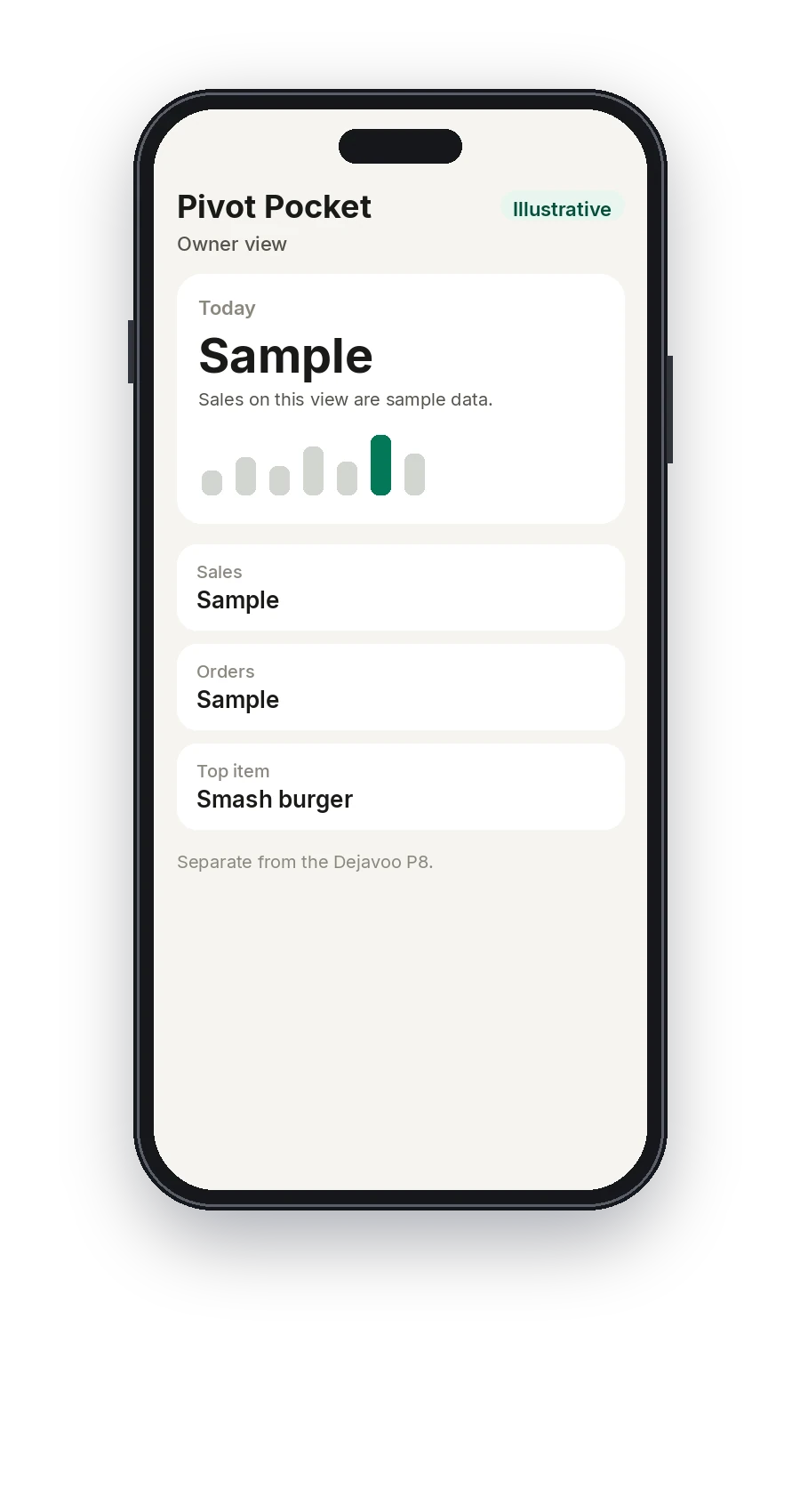
Illustrative · Sample owner view. Not the Dejavoo P8.
One menu for the room.
Back Office publishes items, modifiers, and prices to the POS, the handheld, and the kitchen display. Your team sets who can change that menu, and who can only use it.
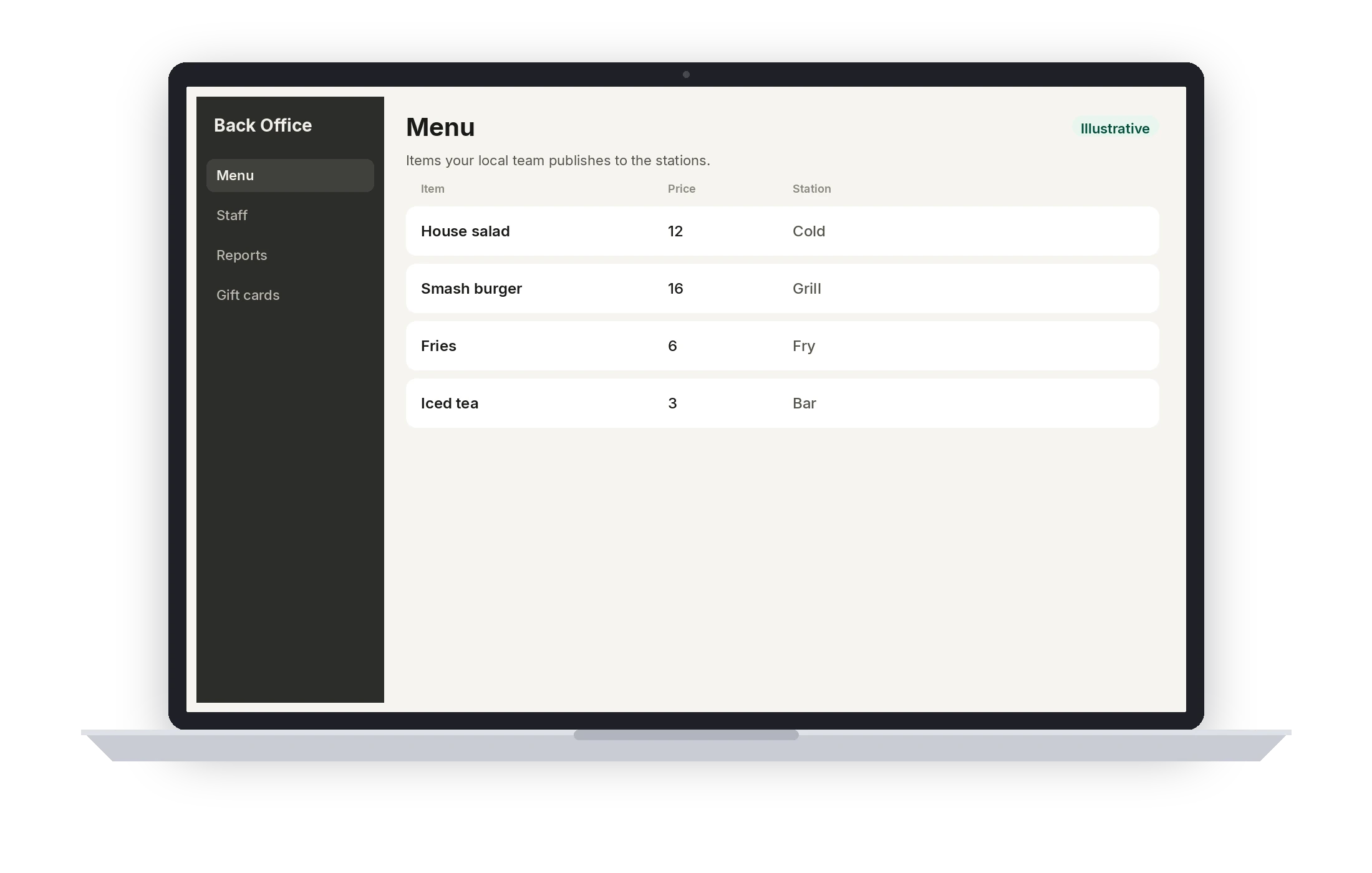
Illustrative · Sample menu.
A typical setup
This is the usual shape for full service. It is not a quote and not a hardware count. Your local team confirms the stations, the routing, and who can sign in before the first service.
- 01
POS with the floor
A counter or host station that shows tables, open checks, and the close.
- 02
Dejavoo P8 handhelds
Tableside ordering for servers. Your team confirms how many the floor needs. This is not a published count.
- 03
Kitchen display
Station screens for courses, with the 1- and 2-minute color timers.
- 04
Printers
Receipt and kitchen printing on the routing your team configures.
- 05
Card-present pay
Dejavoo at the station, and on the handheld once the reader setup is confirmed.
- 06
Back Office and Pocket
Menu, PINs, roles, reports, and a separate owner app.
Questions from this floor
Is the handheld the owner’s phone app?
No. Servers use Pivot Handheld on a Dejavoo P8. Owners use Pivot Pocket. The logins stay separate so the floor device is not also the owner’s analytics app.
Do you have waitlist and reservations?
Yes. Waitlist and reservations are in the POS and on the handheld, next to service.
Can the kitchen see courses?
Tickets can show the course structure, and courses can be sent when the table is ready. Your local team configures which items route to which station.
How are voids controlled?
Staff sign in with a PIN on the POS and the handheld. Permissions decide who can void or comp. Those actions keep an audit trail in Back Office.
Who trains the floor?
Your local team walks ringing, sending, and closing, including who can sign in. The first service is not the first time someone sees the menu.
See Pivot for full service.
Book a demo with a local Pivot team. They will walk the stations, the permissions, and the way your floor actually serves.