Pizza
Toppings belong on the ticket.
A pizzeria gets buried when the make line cannot read the pie, the phone menu drifts from the counter, and delivery apps are treated as if they were already connected. Pivot puts the modifier on the order. Marketplace orders are still coming soon.
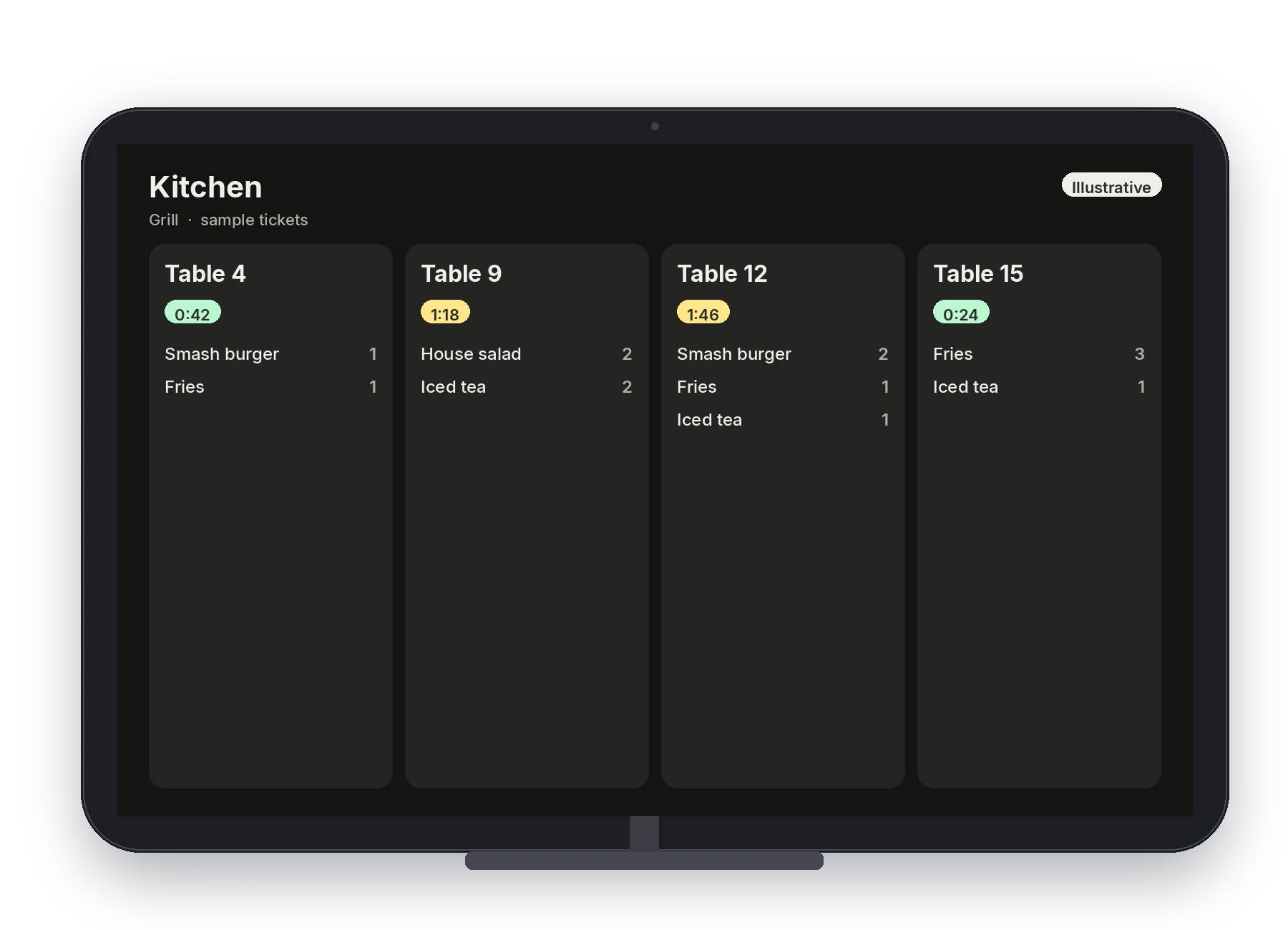
Illustrative · Sample kitchen board.
Challenges we solve
A local Pivot team sets the menu, the stations, and who can sign in. The software is easier because that setup is done with you, not handed over as a blank register.
The pinch
Toppings get written in the margin.
How Pivot helps
Sizes and toppings are modifiers on the item, on the POS and on the pickup link. The kitchen ticket shows the order your team built, not a handwritten pie.
The pinch
The make line cannot tell what is late.
How Pivot helps
Tickets route to the stations your team configures. Color timers default to 1 minute and 2 minutes. The line bumps a ticket when the pie leaves.
The pinch
Counter, phone, and link are three menus.
How Pivot helps
Back Office publishes one menu. Counter orders, handheld orders, and pickup-link orders use it. Online card payments on the link are coming soon.
The pinch
Seated tables still walk the order to the counter.
How Pivot helps
If you seat people, the floor map and a Dejavoo P8 are the same tools full service uses. You do not have to turn them on for a counter-only shop. Your team sets that with you.
Make line, counter, and link
Pizza is a modifier-heavy menu with a line that has to read every ticket. The local team builds the toppings once and routes them.
Build the pie on the register.
Categories, search, and modifiers keep sizes and toppings on the check. Card-present pay through Dejavoo and the cash drawer are part of the counter close.
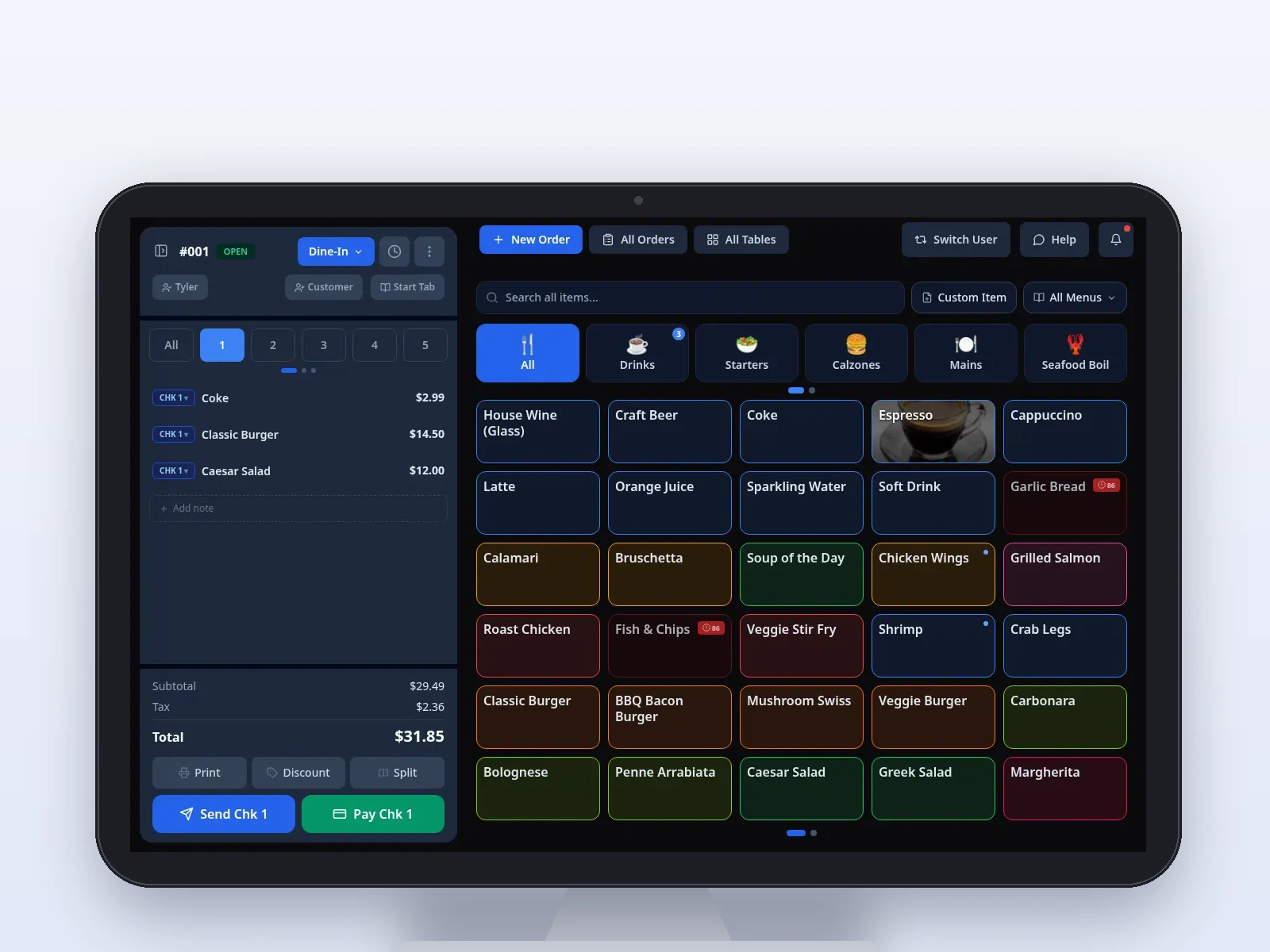
Sample screen · Names and prices on screen are sample data.
A board the make line can read.
Counter, handheld, and online tickets land on the kitchen display. Routing is configured, not guessed at service. Timers mark age at 1 minute and 2 minutes.
Illustrative · Sample kitchen board.
Pickup from the same menu.
Guests place a pickup order on a branded link, ASAP or scheduled. Delivery marketplace orders are coming soon, and so are online card payments. The ticket still goes to the POS and the kitchen.
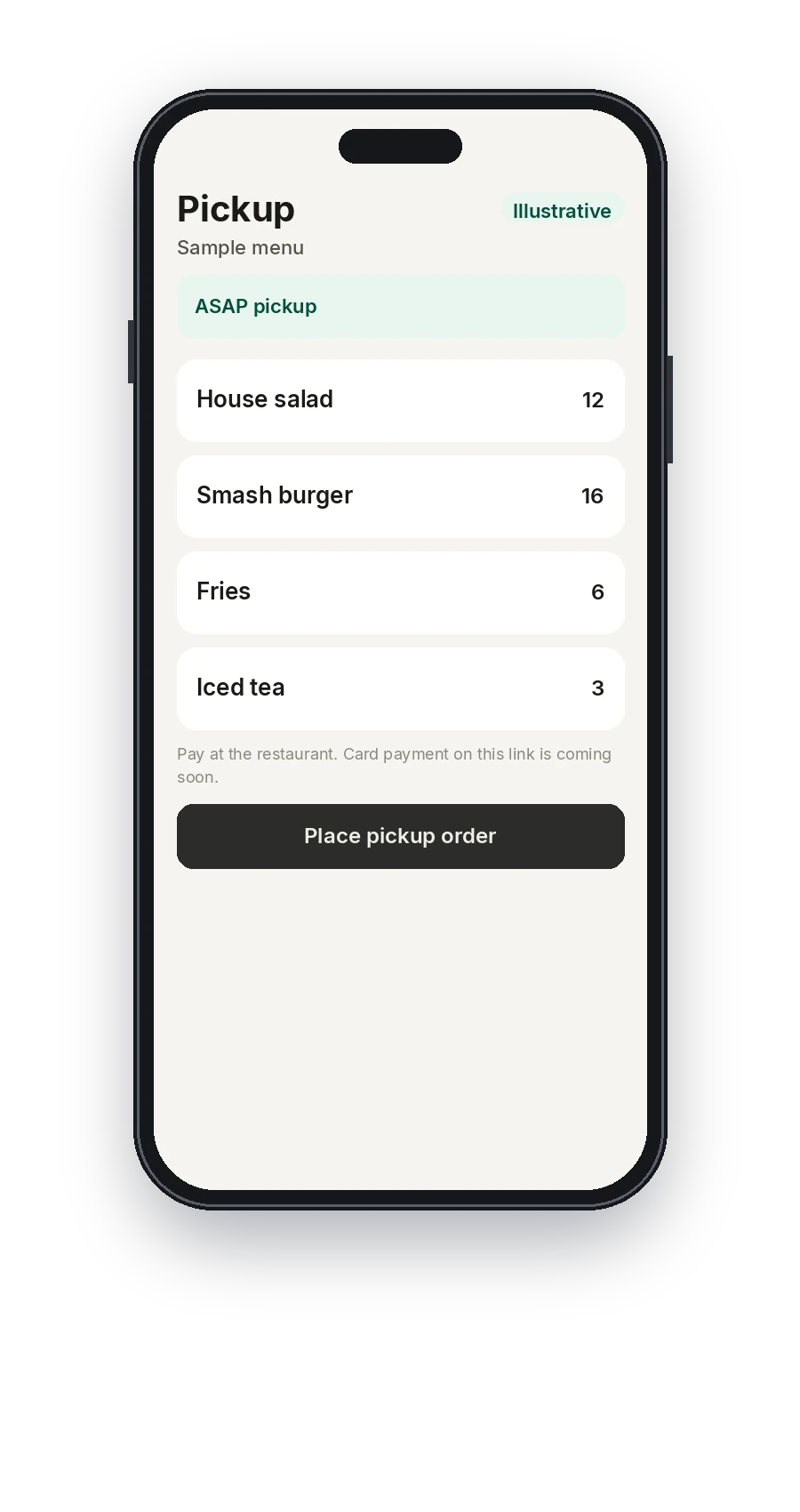
Illustrative · Sample pickup menu. Card payment on the link is coming soon.
Tables, when you have them.
Servers can take the order on a Dejavoo P8 and send it from the floor. Split checks and open tabs are on the POS. Skip the handheld if the shop is counter only.
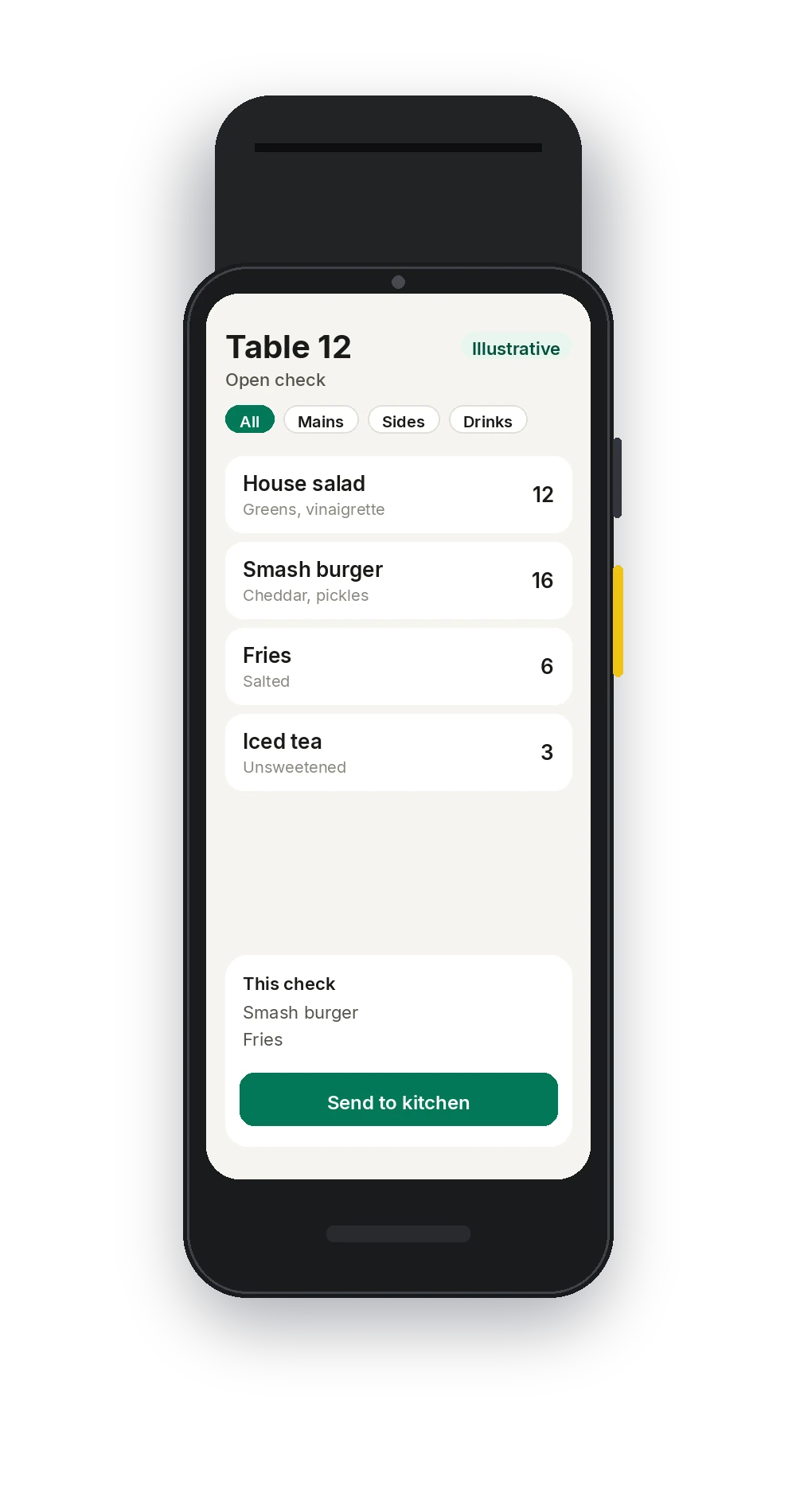
Illustrative · Sample order on the handheld.
Toppings edited once.
Change a price or a topping in Back Office and publish it to the stations and the link. PINs decide who can edit. Reports cover sales, items, payments, and staff, including gift card activity.
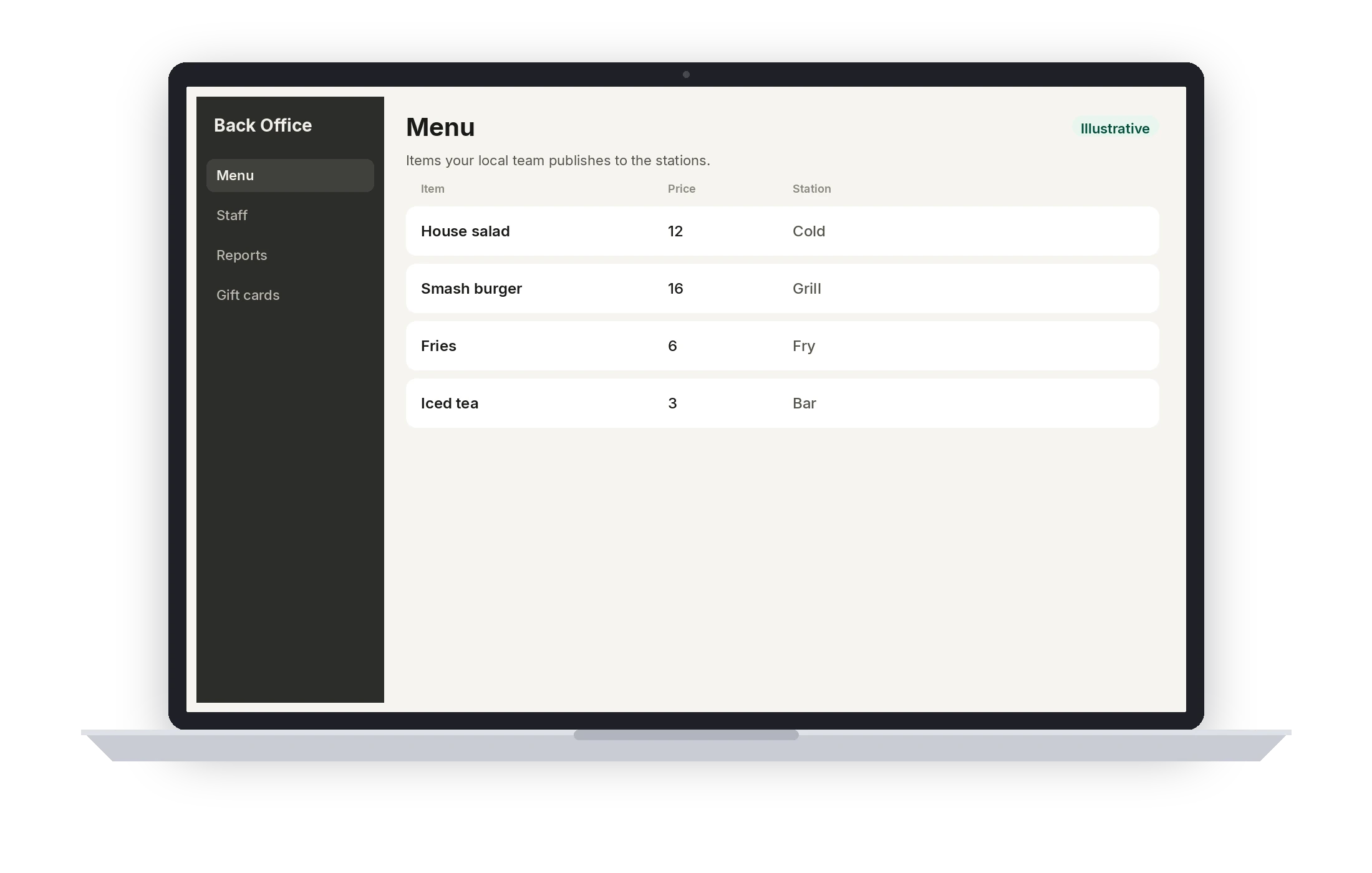
Illustrative · Sample menu.
A typical setup
This is the usual shape for pizza. It is not a quote and not a hardware count. Your local team confirms the stations, the routing, and who can sign in before the first service.
- 01
Counter POS
The register where pies are built with modifiers.
- 02
Kitchen display
The make line, with routing and the 1- and 2-minute timers.
- 03
Printers and drawer
Tickets or receipts where you still want paper, plus the cash drawer.
- 04
Pickup link
Branded ordering for pickup. Marketplace delivery is coming soon.
- 05
Handheld, if you seat guests
Dejavoo P8 at the table. Not required for a slice counter.
- 06
Back Office and Pocket
Menu, permissions, reports, and a separate owner app.
Coming soon
- Online card payments
- Delivery marketplace orders
Questions from this floor
Do DoorDash, Uber Eats, or Grubhub orders land on the kitchen display?
Not yet. Delivery marketplace orders are coming soon. Pickup on your own branded link is available, and those tickets are sent to the POS and the kitchen display.
How are halves and toppings rung?
As modifiers on the item, priced the way your team entered them. The kitchen sees that order on the ticket. This is the menu you build, not a fixed pizza template.
Can guests pay by card on the link?
Online card payments are coming soon. Card-present payments at the counter run through Dejavoo today.
What if we also seat tables?
Use the floor map, split checks, and a Dejavoo P8 the way full service does. Your local team turns on the stations you need and leaves off the ones you do not.
Who can change the menu mid-shift?
Whoever has that role. Everyone else signs in with a PIN and rings from the published menu. Voids and comps keep an audit trail.
See Pivot for pizza.
Book a demo with a local Pivot team. They will walk the stations, the permissions, and the way your floor actually serves.